Vizrt AI Keyer kills the green screen in 2026
Vizrt AI Keyer is pushing a big change in live production. If you have ever dealt with a green screen or a full greenscreen setup, you know how fragile it can be. Vizrt AI Keyer kills the green screen as the default choice for many workflows by letting you separate people from the background in almost any setting. At the same time, green screens remain irreplaceable for live adjustments in some edge cases, so this is not the end of every classic workflow. It is, however, a real shift.
On April 16, 2026, Vizrt announced AI Keyer as part of its AI-native platform for visual storytelling. The idea is simple: instead of building a perfect chroma key setup, you can use AI to detect the person in frame, remove the real background, and place that person into a virtual scene with AR graphics.
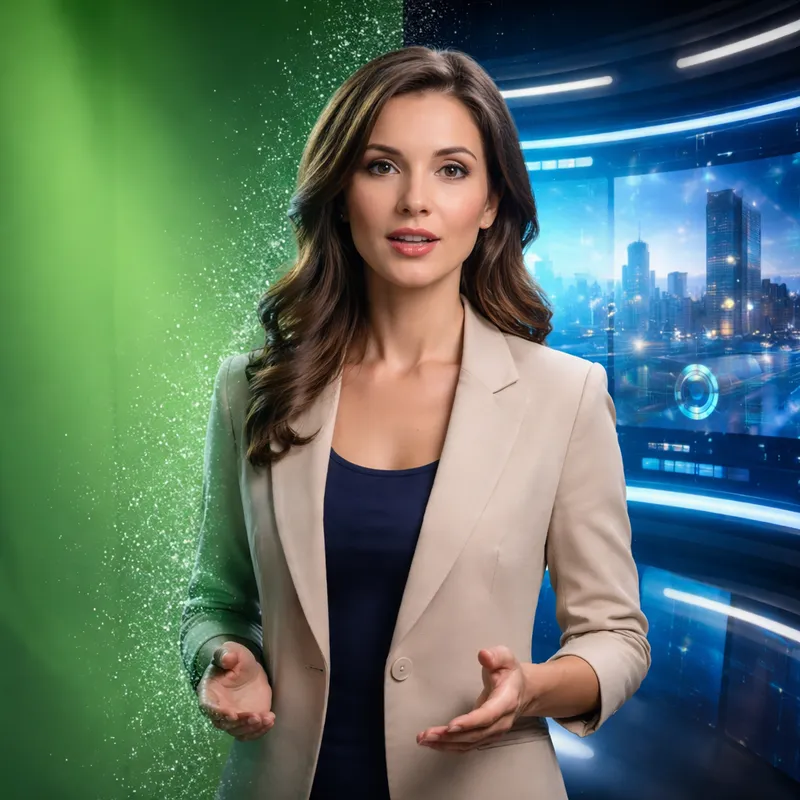
What Vizrt AI Keyer actually does
Vizrt says its AI Keyer works indoors and outdoors, which matters more than it sounds. Traditional keying usually depends on a controlled studio, even lighting, and enough time to clean up edges. That works, but it also creates friction.
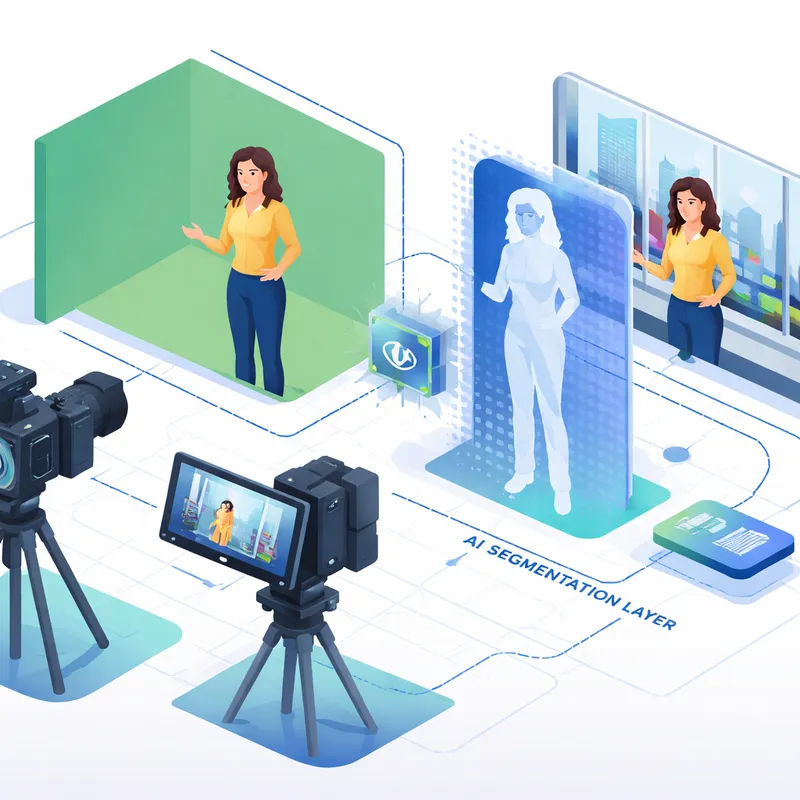
With AI Keyer, the system identifies human shapes as the foreground and separates the background seamlessly. That means your presenter, athlete, guest, or remote speaker can move naturally while still appearing inside a virtual set.
According to Vizrt, the tool was trained on real-world footage across different environments and lighting conditions. That matters because bad keying usually shows up in the same places every time: hair, motion blur, reflections, and inconsistent lighting. AI-based matte prediction tries to reduce those weak spots by learning what a person looks like in messy real scenes.
In practical terms, you can:
- switch backgrounds without a physical green screen
- insert AR graphics into live productions
- place remote speakers in shared virtual environments
- create location changes for news or enterprise video without rebuilding the set
- add virtual ad walls and branded graphics in sports content
Why production teams care
The biggest benefit is not just visual quality. It is speed.
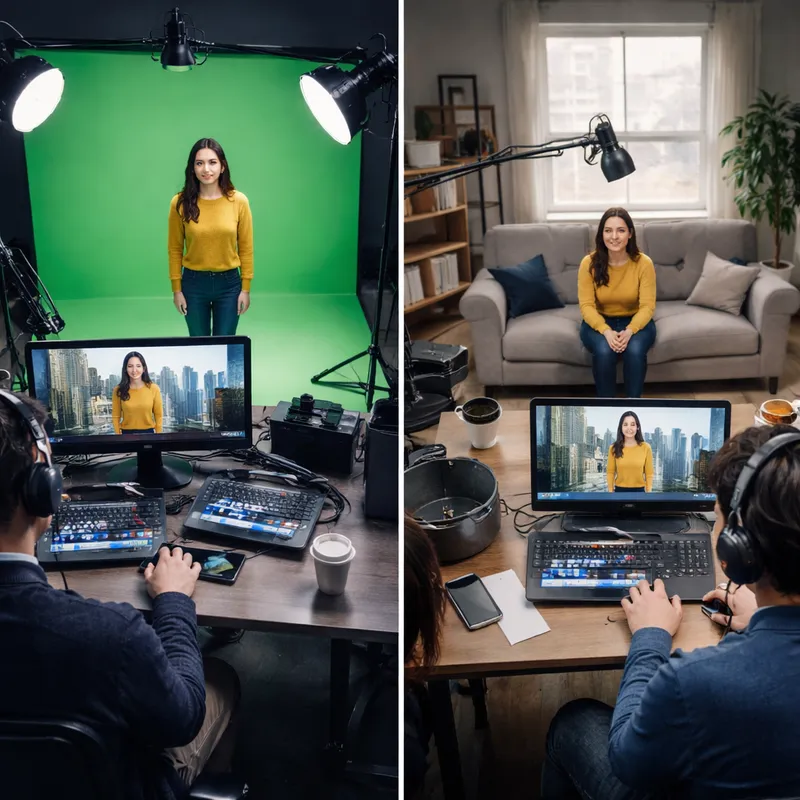
A normal green screen workflow can require a lot of setup. You need the screen, enough space, balanced lighting, careful wardrobe choices, and someone who knows how to fix the key when the shot fights back. If the lighting changes or the subject moves into a tricky area, you pay for it later.
Vizrt is positioning AI Keyer as a way to remove several of those bottlenecks:
- no large XR infrastructure investment
- no specialized chroma key workflow for daily use
- less reliance on perfect lighting setups
- less time spent on manual key cleanup
- more flexibility for smaller teams
That opens the door for productions of every size, not just big studios with dedicated virtual production staff. If you run news, sports, events, or corporate broadcasts, you can see the appeal right away.
Real use cases where AI Keyer makes sense
Vizrt shared a few examples that make the value easy to picture.
Global town halls
Instead of showing remote speakers in plain webcam boxes, you can place them inside a shared virtual stage. That makes company-wide presentations look more polished and less like a video call.
News segments
A presenter can appear to move between different visual locations without stepping in front of a green cyc wall. For fast-moving news teams, that can save a lot of setup time.
Sports interviews
During a post-match interview, a player can stand in a real mixed zone while a virtual ad wall appears behind them. That creates new branding options without building a physical sponsor backdrop.
This is where the tool feels especially useful. It is not just replacing one effect. It is reducing the number of production decisions you need to make before going live.
How this compares to traditional green screen workflows
Classic chroma key is still good at one thing: predictability. If your studio is controlled, your lighting is even, and your team knows the workflow, green screen remains a reliable option.
But it has weak points:
- spill from the green background onto skin or clothing
- uneven lighting that creates broken edges
- difficult detail around hair and semi-transparent objects
- cleanup work for reflections and motion blur
- more gear, space, and setup time
That is why the recent rise of AI keying is getting attention well beyond Vizrt. In discussions around tools like Corridor Crew’s AI keying experiments, the same theme keeps coming up: instead of treating keying as “remove green,” AI predicts an alpha matte directly. In plain English, it tries to figure out what belongs to the person and what belongs to the background.
That does not make it magic. AI keyers still have limitations. Refraction through glass, physically accurate background distortion, and some fine edge cases may still need artist work or a more controlled setup. So yes, green screens remain irreplaceable for live adjustments in certain high-stakes situations. But for many everyday productions, AI is making the old process feel heavier than it needs to be.
Why the timing matters now
This launch fits a broader 2026 trend. Production teams want faster workflows, smaller crews, and more flexibility. At the same time, audiences still expect polished visuals.
Vizrt CEO Rohit Nagarajan framed this as something happening now, not some distant future roadmap. That is an important point. AI in production is no longer just a lab demo or side experiment. Vendors are packaging it into tools meant for live use.
Vizrt also plans to demo the product at NAB in North Hall, booth N2161, with dedicated spaces for sports, media and entertainment, and enterprise. That signals confidence. Companies do not usually spotlight a product this heavily unless they think buyers are ready.
Are green screens really becoming a thing of the past?
Not completely. But they are losing their monopoly.
If your team works in a fixed studio with proven green screen pipelines, you may not change overnight. If you need highly controlled compositing, there will still be reasons to keep classic chroma key in your toolkit.
Still, the direction is clear. AI keying is making virtual scenes and AR graphics easier to deploy in places where green screens were once too slow, too expensive, or too awkward. That includes outdoor setups, fast-turn live productions, and smaller organizations without deep XR budgets.
My honest take: this is the kind of shift that starts as a convenience and ends up becoming normal. Once teams see they can get solid results without building around a green wall, it is hard to go back.

What this means for your workflow
If you create live video, Vizrt AI Keyer is worth watching for three simple reasons:
- It lowers setup friction.
- It expands where you can produce virtual content.
- It gives smaller teams access to more ambitious visuals.
The biggest test, of course, will be real-world consistency. Can it hold up under bad lighting, fast movement, crowded environments, and mixed cameras? That is where every new keying tool proves itself.
Even so, the promise is strong: fewer screens, fewer compromises, and faster paths to XR-style storytelling.
FAQ
Do green screens use AI?
Sometimes, yes. Traditional green screen keying does not require AI because it usually relies on chroma key techniques that remove a specific color. But today, AI can improve the final result by helping with edge cleanup, lighting correction, color balance, noise reduction, and foreground separation. In tools like Vizrt AI Keyer, AI goes a step further by reducing the need for a green screen in the first place.
Do Billie Eilish use green screen?
A widely shared answer online is: “Billie Eilish said no to green screen.” In practice, artists and production teams choose different methods depending on the look they want. Some projects use practical sets, some use green screen, and some now use AI-assisted compositing or virtual production tools. The bigger takeaway is that creators increasingly have more options than just a traditional greenscreen wall.
Is Vizrt AI Keyer only for studio use?
No. Vizrt says the tool works in indoor and outdoor environments. That is one of its main selling points, because it aims to support live production outside the usual studio constraints.
Can AI Keyer replace chroma key completely?
Not in every case. Traditional green screen still has value when you need a very controlled setup or highly specific live adjustments. But AI Keyer can reduce the need for green screen in many common workflows, especially for live XR and AR scenes.
What industries can use Vizrt AI Keyer?
The clearest fits are broadcast news, sports, media and entertainment, and enterprise communications such as town halls, presentations, and virtual events.

