Truecaller’s Scam Checker on the Web: What’s Changing?
Truecaller’s Scam Checker is coming to the web, bringing suspicious-link checks beyond the company’s familiar caller-ID app. The shift sounds simple: instead of first installing or opening an app, a user can reach a browser-based check when an unfamiliar link appears. That change could make scam defense easier to try, while raising important questions about what information a checker receives and how much protection a one-off scan can provide.
The distinction matters. Caller ID helps people assess an incoming call; a link checker addresses a different moment, often after a message, email, or social post has delivered a URL. Truecaller is extending its security proposition from identifying callers toward helping people assess what they encounter online. The announcement details available for this article do not specify the checker’s exact workflow, supported link types, regional availability, or data-retention practices. Those should be confirmed in Truecaller’s own product information before you rely on the service.
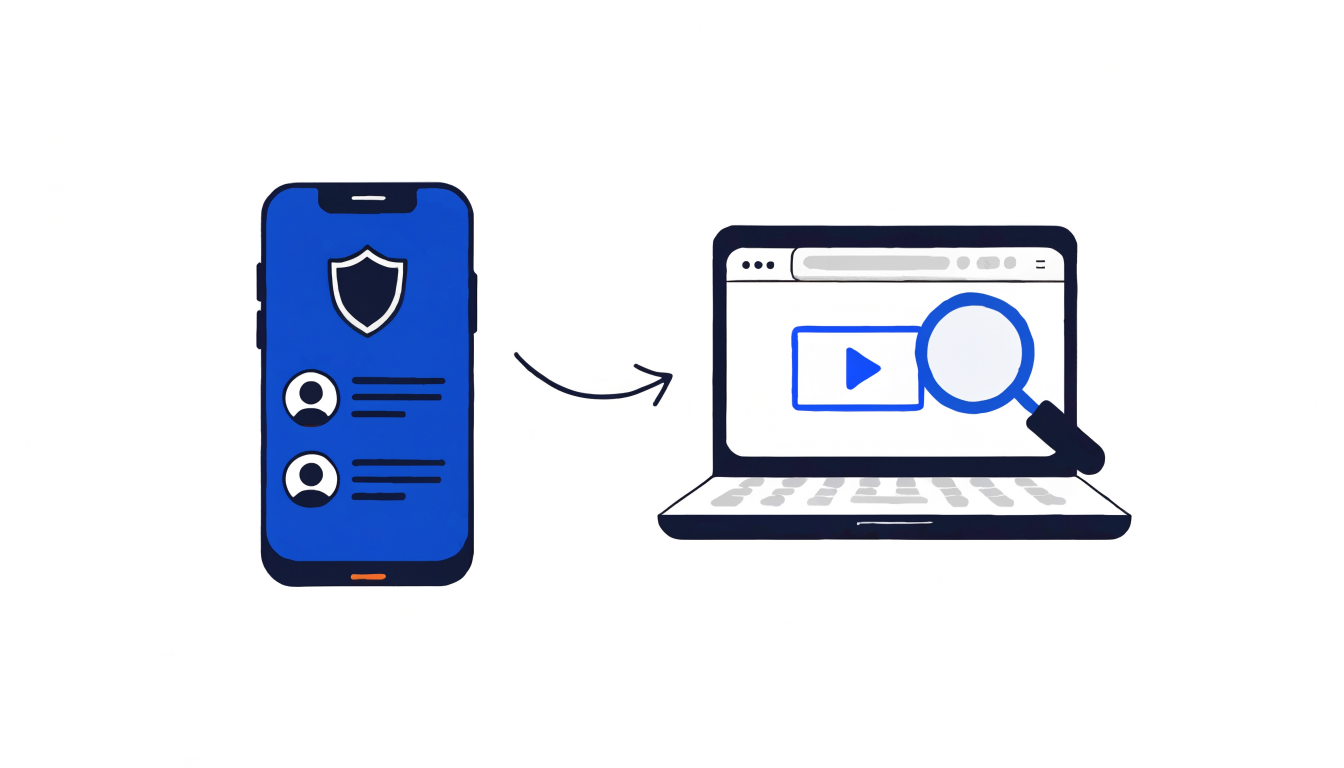
Why move a scam check into the browser?
An app can offer a persistent experience, but it also asks a person to take an extra step before getting help. They may need to install it, create an account, grant permissions, or simply remember which app to open. A web tool can reduce that initial friction: a user who has received a suspicious URL may be able to visit a page and check it without making the app the gateway.
That’s a product-distribution change as much as a security feature. A browser page can reach people who do not use Truecaller, or who do not want to install another app just to assess one link. For the company, that creates a possible introduction to users outside its core caller-ID use case. For users, it offers a potentially faster way to seek a second opinion at the exact point of uncertainty.
But access is not the same as protection. A web checker cannot automatically prevent every risky interaction simply because it exists. Its value depends on how easy it is to use, how clear its verdicts are, how current its threat intelligence is, and whether people remember to check before acting. The supplied launch material does not establish the service’s detection performance or specific technical design, so it would be premature to assume it blocks threats or scans links automatically.
What a link check can—and cannot—tell you
A suspicious URL can be deceptive in several ways. A message may use a familiar brand name while sending you to a domain that only looks similar. A shortened link can conceal its destination. A page may ask for credentials, payment details, or a one-time code under a false pretext. A checker can potentially help surface risk signals, but its result should be treated as guidance, not proof that a link is safe.
There are two important limits. First, a verdict reflects the checker’s information at the time of the query. A newly created scam page may not yet be recognized, and a page can change after it was checked. Second, a link may lead through redirects or behave differently depending on a visitor’s location, device, or session. Without published details about the product’s scanning method, users should not assume that every destination or variation receives the same assessment.
Use a checker as one layer in a cautious routine. If a message claims to come from a bank, delivery company, workplace, or government service, open that organization’s official app or type its known website address yourself. Do not enter a password, card number, recovery code, or one-time passcode simply because a link received a reassuring result. When a message creates urgency, independently contact the supposed sender through a channel you already trust.
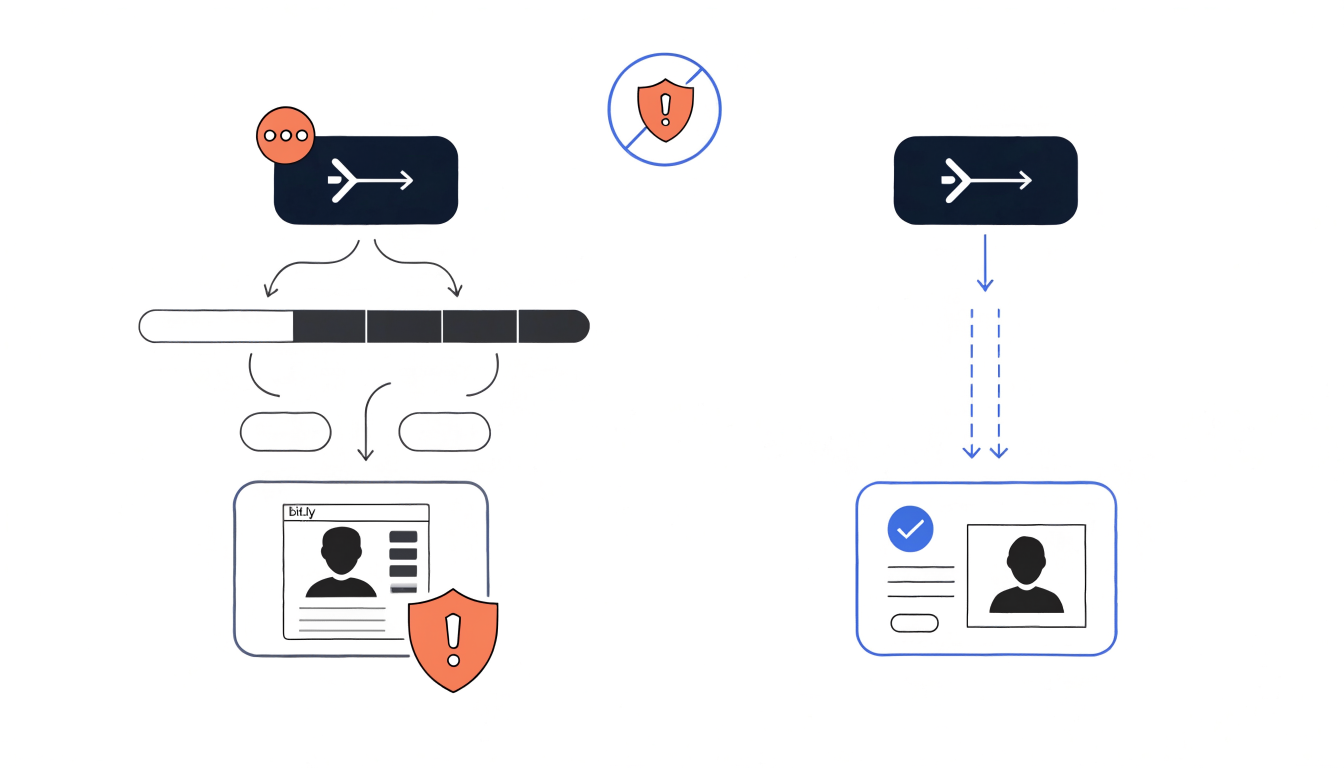
The privacy question: what happens when you submit a URL?
A browser-based service can feel more private because it does not require an app installation. That perception does not answer the central privacy question: what data does the service receive when you submit a link, and what does it retain afterward?
A URL itself may contain sensitive information. Some links include unique tracking values, account identifiers, invitation codes, or access tokens. A link to a private document or a password-reset page may reveal information even if you never open the destination. Submitting such a URL to any third-party checker could disclose it to that service. This is a general consideration for online link-checking tools, not a claim about Truecaller’s specific handling practices.
Before submitting a sensitive link, review the service’s privacy notice and terms. Look for explanations of what is collected, whether submitted URLs are stored or shared, how long data is retained, and whether the checker sends the URL to other security providers. The available launch information here does not answer those questions. If the link contains a one-time token or grants access to private material, avoid sending it to a public checker unless you understand the consequences.
Good product design can make these choices easier to understand. Clear wording before submission, a concise explanation of data use, and an option to avoid retaining sensitive query parameters would help users make informed decisions. The web format can lower the barrier to checking, but transparency must keep pace with that convenience.
A broader move beyond caller ID
Truecaller’s core public identity has long been associated with caller identification and call-related protection. A web Scam Checker extends the brand into a wider security moment: the link that arrives in a text, email, or online conversation. That is a meaningful adjacency because scammers can move between channels. A call may prompt someone to open a link; a message may imitate a caller or organization. People experience these as one fraud attempt, even when products and systems treat them separately.
For Truecaller, a standalone web tool could widen the funnel beyond people who already use its app. It could also strengthen the relationship between the brand and a broader idea of scam defense. However, reach alone does not establish a successful strategy. The service must deliver useful results, earn trust, communicate its limits, and give users a reason to return. The launch information provided does not establish whether the checker is free, requires an account, or connects to other Truecaller services, so those details should not be assumed.
There is also a product challenge in crossing channels. A browser tool may be useful as an on-demand check, while an app can potentially support an ongoing experience. The key question is not simply which platform is better. It is whether each interaction helps people make safer choices without adding confusing steps or asking for unnecessary data.
What developers and security teams should watch
The launch offers a useful case study in reducing security friction. A security feature that requires too much setup may be overlooked at the moment it matters. A web entry point can improve discoverability, but teams should measure whether people understand the result and take safer next steps, not only how many visits the page attracts.
Several product questions are worth tracking as the service becomes available: Does the checker explain why a URL appears suspicious? Can users distinguish a warning from a clean result? Does it communicate uncertainty rather than promising certainty? Does it handle shortened links and redirects clearly? Is privacy information visible before users submit potentially sensitive URLs? The supplied material does not confirm Truecaller’s answers, so these are evaluation criteria, not descriptions of current functionality.
For developers building similar tools, the broader lesson is to make security usable without turning it into false reassurance. A verdict should describe its scope and limits. The interface should offer practical next actions, such as navigating to a known official site instead of following an unexpected link. Privacy notices should be specific enough to inform a real decision. And teams should test the complete path from receiving a suspicious message to choosing a safe response.
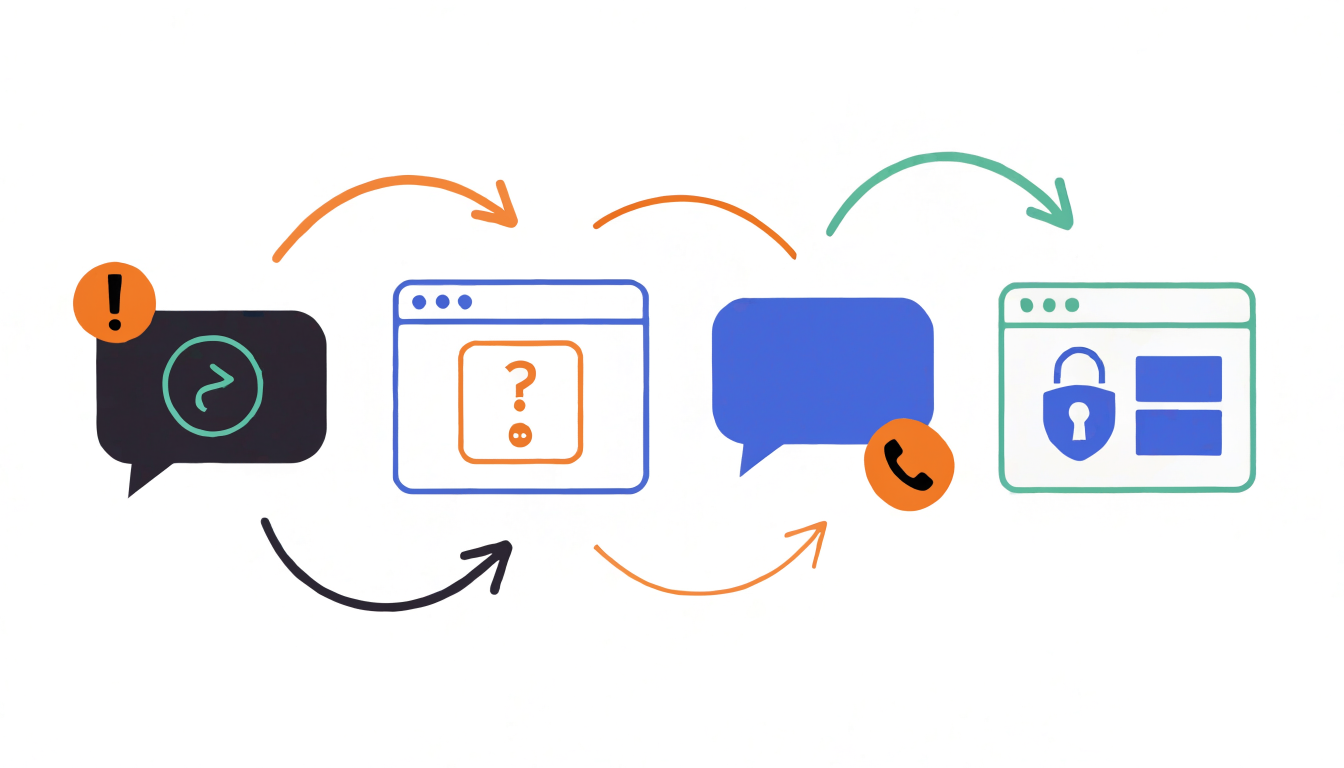
How to use web-based link checking cautiously
If you see Truecaller’s Scam Checker available in your region, follow the instructions on its official site and check its current privacy terms. Avoid pasting links that contain private credentials, reset tokens, or confidential document access unless you understand how the service handles submissions. Treat any result as one signal, not a guarantee.
Most importantly, slow down before you act. Verify the sender through a separate, trusted channel; visit services by typing their known address; and never disclose sensitive information in response to an unexpected request. Browser-based access may make checking more convenient. Safe habits still provide the essential second layer.
FAQ
How do I check if my number is spam on Truecaller?
If you want to check whether your own number is labeled as spam, use Truecaller’s official app or website and follow the options currently provided for number lookup or profile management. The web Scam Checker discussed here is about suspicious links, not necessarily spam labels for phone numbers. Available number-checking features can vary, so verify the current process through Truecaller’s official channels.
Can I check a mobile number online using Truecaller?
Truecaller may offer web-based number lookup in some locations or account contexts, but the launch details supplied for this article concern link checking and do not confirm the availability or limits of a phone-number lookup. Visit Truecaller’s official website to see what is currently supported in your region, and avoid relying on third-party pages that imitate the service.
Is Truecaller available on the web?
Yes, the announcement covered here brings Truecaller’s Scam Checker to the web so users can check suspicious links without the app. That does not mean every feature in Truecaller’s mobile app is available in a browser. Check the official site for the exact web features, availability, and privacy terms.
The move is notable because it places a familiar caller-ID brand closer to the moment someone hesitates over a link. Whether it becomes a dependable part of scam defense will depend on product details that matter as much as convenience: accuracy, transparency, privacy, and clear guidance when a result is uncertain.

