How to tell if an Apple AirTag is tracking you
If you want to know how to know if AirTag is tracking you, the first thing to see is whether your phone sends a tracking alert. Apple built these alerts to notify you if an AirTag, AirPods, or another compatible Bluetooth tracker is moving with you after being separated from its owner. If you do get that alert, take it seriously, but stay calm. Sometimes the person is nearby and the alert is harmless. Other times, it can point to real unwanted tracking movement.
In 2026, both Apple and Android systems are better at warning you about trackers, but the alerts still depend on your settings being turned on. That matters more than most people realize.
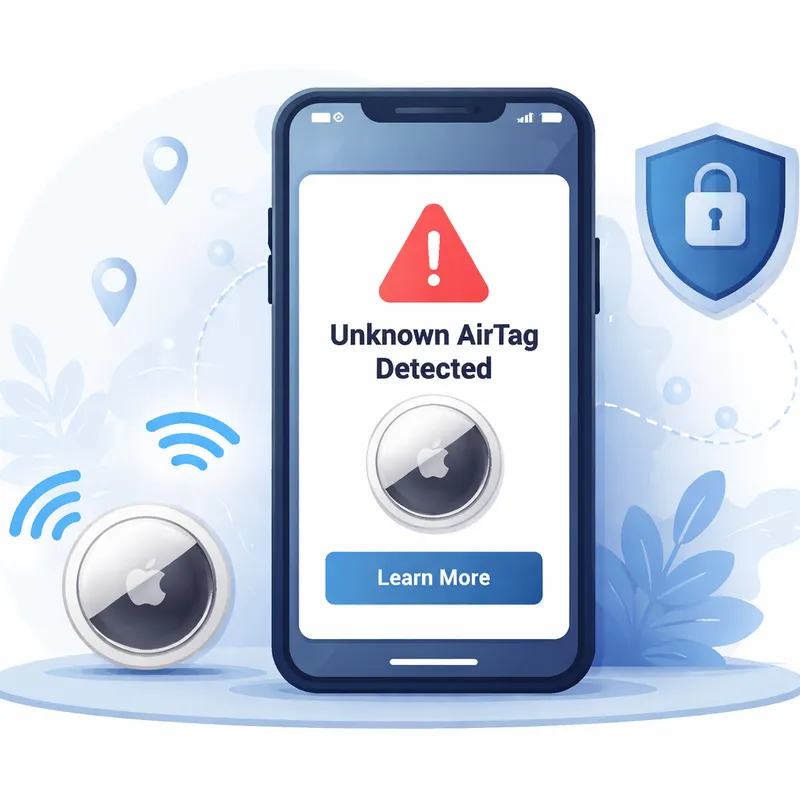
What alerts usually look like on iPhone and Android
On an iPhone, you may see alerts like:
- Unknown tracker alert
- Item detected near you
- A message saying an AirTag or compatible tracker has been seen moving with you
On Android, you may see a similar unknown tracker warning if your phone supports automatic unwanted tracking alerts. This is why searches like Apple AirTag detected Android and How to know if AirTag is tracking you Android have become so common.
An alert does not always mean someone planted an AirTag on you. It can happen on a train, bus, plane, in a shared office, or while waiting in line near other people with Bluetooth trackers. Still, you should always check.
Make sure your phone can actually notify you
If alerts are disabled, your phone may not warn you at all.
On iPhone or iPad
According to Apple, you should have:
- iOS 17.5 or later or iPadOS 17.5 or later for the newest cross-platform tracking alerts.
- Location Services turned on in Settings > Privacy & Security > Location Services.
- Significant Locations turned on in System Services.
- Bluetooth turned on.
- Tracking Notifications allowed in Notifications settings.
- Find My iPhone turned on.
- Airplane Mode turned off.
If even one of these is off, you might miss an alert.
On Android
Android phones now support unknown tracker alerts too, including for AirTags and other compatible Bluetooth trackers. Exact menus vary by device, but Bluetooth, location access, and tracker alerts all need to be enabled.
What to do the moment you get an AirTag tracking alert
If your phone says an AirTag may be moving with you, do this in order:
- Open the alert right away.
- Read the map or movement info if your phone shows where the tracker was seen with you.
- Use Play Sound if that option appears.
- Use Find Nearby if your device supports it.
- Check your belongings and vehicle carefully.
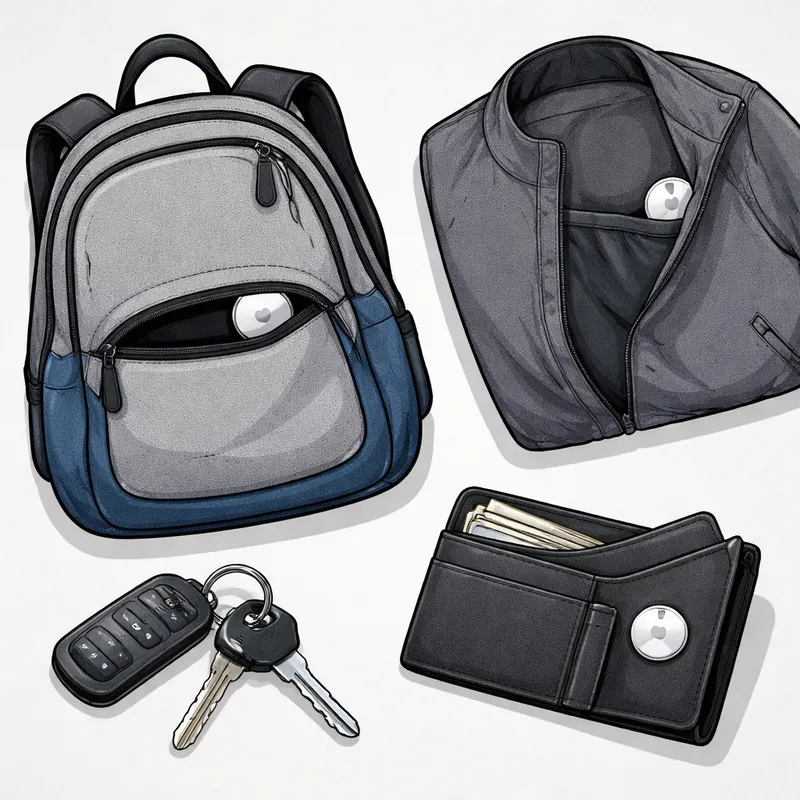
Look in places where a small round tracker could be hidden:
- Bag pockets
- Jacket lining
- Car glove box
- Under seats
- Stroller storage
- Bike bags
- Suitcase lining
- Around license plates
- Coat hoods and folds
AirTag detected near you but can't find it: what that usually means
If you searched AirTag detected near you but can t find it or AirTag tracking me but I can't find it, you are not alone. This happens a lot.
Usually, one of these things is going on:
- The tracker is no longer with you
- The tracker is nearby, but belongs to someone else close to you
- The tracker is hidden in a hard-to-reach spot
- Bluetooth interference is making it harder to locate
- The tracker already moved away before you started searching
Apple says you can review some of these later in Find My > Items > Items Detected With You. That is useful if the alert happened while you were moving fast or in a crowded place.
A real-world example: some people get the alert in dorms, apartment buildings, offices, or public transit, then cannot find any device. In many of those cases, the tracker may belong to a nearby person, not a stalker. But if the same alert keeps following your route, your home, your job, or your car, that is more serious.
How long does an AirTag have to follow you before you get notified?
Apple does not publish an exact universal time for every alert. In general, the alert appears when an unknown tracker is separated from its owner and seen moving with you over time.
Here is what is known:
- Apple does not give one fixed minute-by-minute threshold for all tracking notifications.
- Older AirTag behavior once relied more heavily on a sound after around three days.
- Apple later shortened that sound window to roughly 8 to 24 hours in many cases.
- iPhone and Android notification systems can warn you sooner, depending on movement patterns, device settings, and whether the tracker appears to be traveling with you.
So the short answer is: there is no public exact number you can count on, and you should not wait for a sound before acting.
How to find an AirTag that was put on you or your stuff
If you receive an alert, try these methods:
1. Make the AirTag play a sound
Tap the alert and choose Play Sound if the option is available.
2. Use precision finding or nearby finding
Some newer iPhones can help point you toward the tracker more accurately.
3. Search physically
AirTags are small, white, circular discs. They can be taped, tucked, or dropped into hidden spaces. Search slowly, not all at once.
4. Check your car from the outside too
People have found trackers:
- Under license plates
- Inside wheel well edges
- In trunk seams
- Under floor mats
5. Review the tracker history in Find My
If your iPhone logged the device, you may be able to see where it appeared with you.
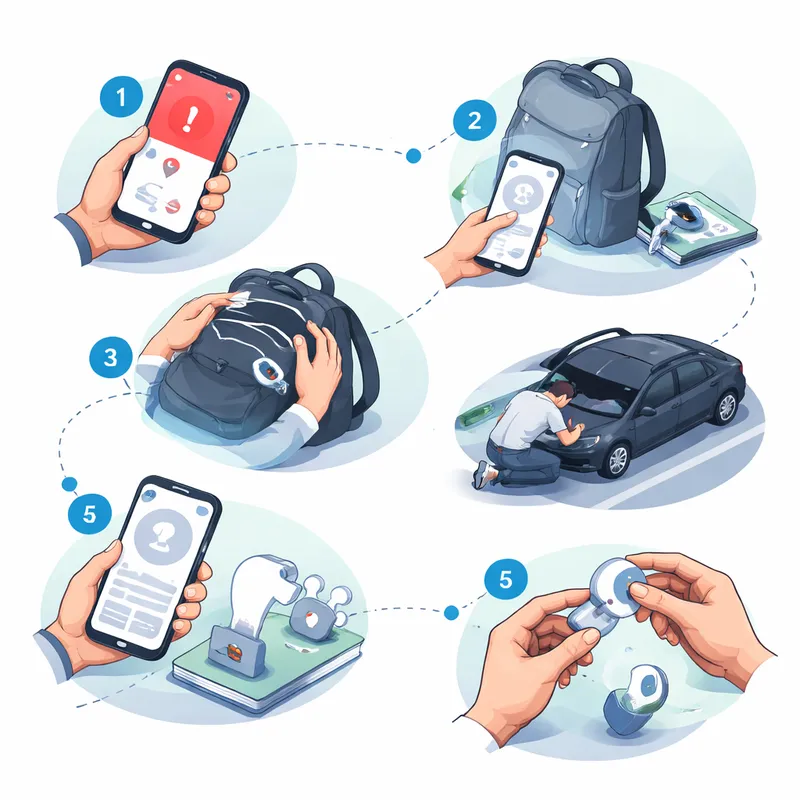
If you find an AirTag, identify it before you disable it
Once you locate the AirTag, hold the top of your iPhone or another NFC-enabled smartphone near it. A webpage should appear with details such as:
- The serial number
- The last four digits of the owner's phone number, or
- A partially hidden email address
- Lost Mode instructions, if the owner marked it as lost
If you think the tracking may be criminal or abusive, take a screenshot of this information first. That can help law enforcement later.
How to stop someone else's AirTag from tracking you
The most direct way to stop it is to disable the AirTag.
How to disable an AirTag
- Hold the AirTag with the metal side facing you.
- Press down on the metal battery cover.
- Turn it counterclockwise.
- Remove the cover.
- Take out the battery.
Once the battery is out, the AirTag can no longer report your location.
This is the clearest answer to how do I stop someone else's AirTag from tracking me?
How to stop an AirTag from tracking you without the AirTag
A lot of people search How to stop an AirTag from tracking you without the AirTag. The honest answer is that you usually cannot fully stop a hidden AirTag if you have not found it yet. But you can reduce risk and gather evidence:
- Keep tracking notifications turned on
- Watch for repeat alerts tied to your home, work, or daily route
- Check Find My > Items Detected With You on iPhone
- Search your car, bags, and clothing after each alert
- Ask a trusted friend to help search
- Document dates, times, screenshots, and locations
- Contact police if you fear stalking or abuse
If you are in immediate danger, do not focus on the gadget first. Focus on your safety.
Safety steps if you think a person is tracking you on purpose
If you suspect an ex-partner, current partner, coworker, roommate, or another person is using an AirTag to monitor you, make a safety plan before confronting them. Removing the AirTag can sometimes alert the tracker owner that you found it.
What I would do first is simple: go somewhere public and safe, call someone I trust, and document everything.
You should consider:
- Contacting local law enforcement
- Telling a trusted friend or family member
- Taking screenshots of alerts and serial info
- Photographing where the tracker was found
- Saving the AirTag if police may need it as evidence
If you are dealing with domestic abuse concerns in the U.S., you can contact the National Domestic Violence Hotline at 800-799-SAFE (7233) or text START to 88788.
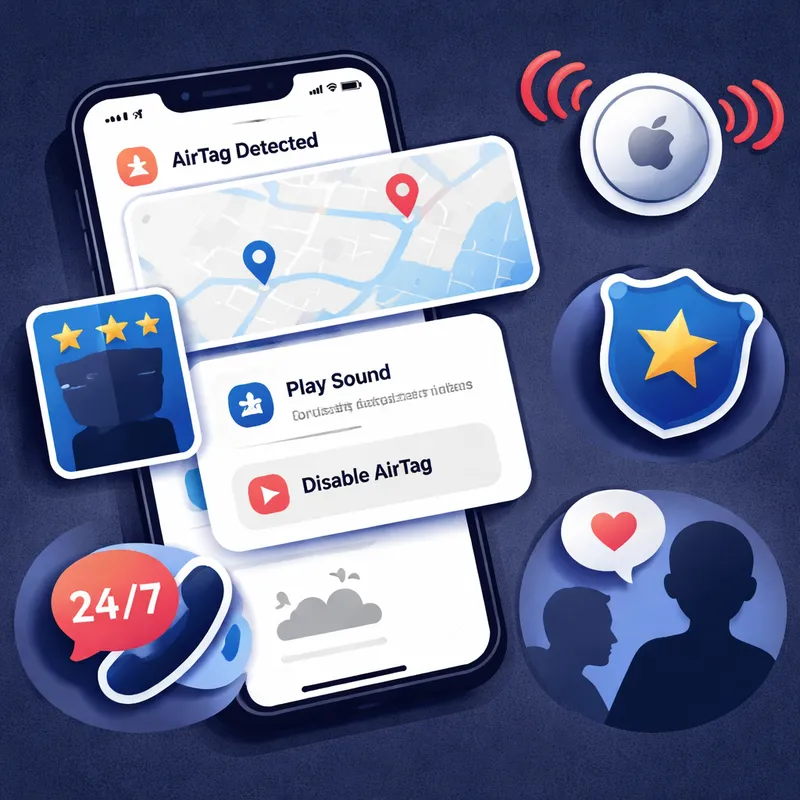
False alarms are possible, but repeated alerts deserve attention
Not every alert means active stalking. Crowded spaces with lots of Bluetooth devices can trigger confusing situations. A nearby person with AirPods, an AirTag in luggage, or a tracker in the next apartment can sometimes explain a warning.
Still, patterns matter.
Be more concerned if:
- The same alert appears repeatedly
- It appears at your home
- It shows up after you leave a specific person
- You keep seeing it in your car
- The route on the alert matches your movements over time
If that happens, treat it as more than a tech glitch.
FAQ
How do I stop someone else's AirTag from tracking me?
Find the AirTag, then disable it by pressing down on the metal cover, turning it counterclockwise, opening it, and removing the battery. Before doing that, save evidence like screenshots, the serial number, and photos if you think the tracking was intentional.
How do you find out if someone is tracking you with an AirTag?
Check for an unknown tracker alert on your iPhone or Android phone. Make sure Bluetooth, location services, and tracking notifications are enabled. If you get an alert, open it, review the map, and use options like Play Sound or Find Nearby to locate the device.
How long does an AirTag have to follow you for you to be notified?
Apple does not publish one exact timeframe for all alerts. In general, you may be notified when an AirTag is separated from its owner and detected moving with you over time. Sounds from the AirTag can happen later, often within 8 to 24 hours, but phone alerts may happen sooner.
How to find an AirTag that was put on you?
You can use the Find My app to locate a missing AirTag or third-party item that you've registered to your Apple Account. If you have an iPhone 15 or later model, you can also find their exact location. If the AirTag is unknown and appears to be moving with you, open the tracking alert, use Play Sound or Find Nearby, and search your clothes, bags, car, and personal items.
Final thoughts
AirTags are useful for finding lost keys and bags, but they can also be misused. The good news is that Apple and Android both give you better tools now to see when a tracker may be following you. If you get an alert, do not panic. Check it, document it, and act step by step. If your safety feels at risk, treat that feeling as important and get help right away.

