Haiku on ARM just hit a real milestone
Haiku OS just cleared a big step in 2026: Haiku can now boot to the desktop on ARM64 in QEMU. If you care about BeOS, lightweight operating systems, or modern operating systems that feel fast and focused, this matters more than it may sound at first.
For years, Haiku's appeal has been clear. It keeps the spirit of BeOS alive with a desktop-first design, quick response, and a clean way of working. But modern hardware has changed around it. ARM is everywhere now, from laptops to single-board devices to cloud systems. So when Haiku can boot on ARM in QEMU, it is not just a lab demo. It could be the start of wider hardware support, more testing, and more contributors.
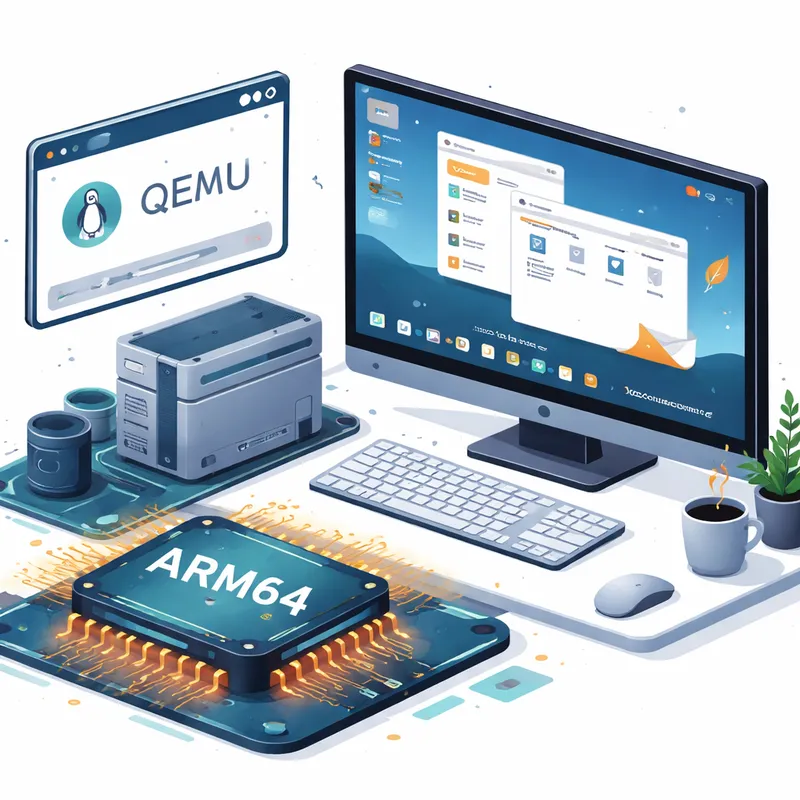
Why the QEMU desktop boot matters
A QEMU-only result is not the same as full real-world device support. That part is still in progress. But reaching the desktop is a major checkpoint.
Here is why this matters:
- It proves the ARM64 port has moved beyond very early boot work.
- It gives developers a repeatable environment to test changes.
- It lowers the barrier for new contributors who do not own target hardware.
- It helps expose bugs in userland, drivers, memory handling, and boot logic.
- It gives the Haiku community a visible sign that the port is alive and moving.
That last point matters more than people admit. Open-source operating systems need momentum. Once people can see screenshots, boot to a desktop, and try nightly images, interest tends to rise.
What changed in Haiku's ARM64 port
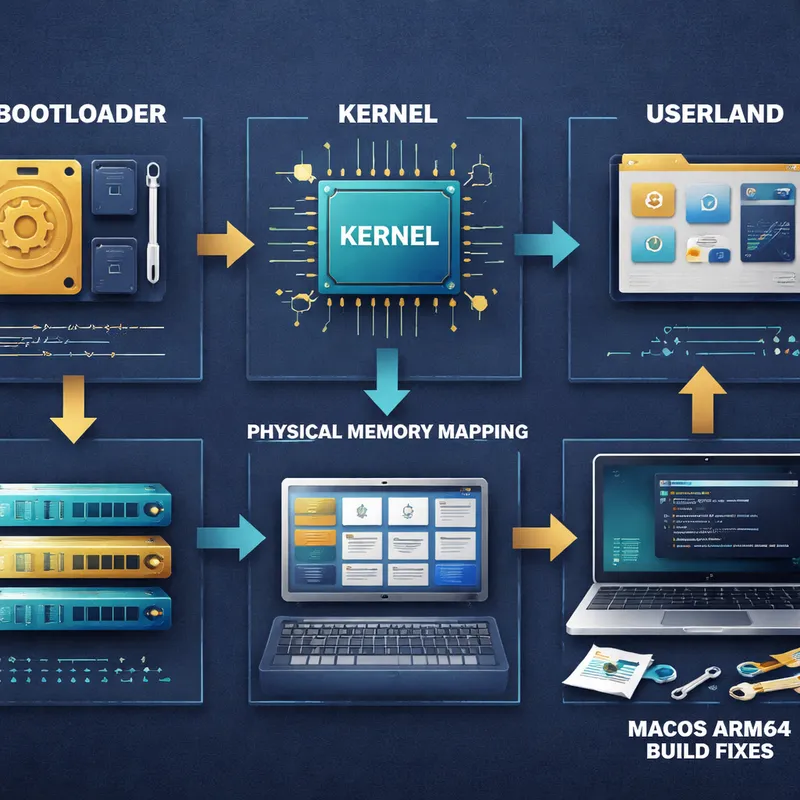
Most of the breakthrough was credited to contributor smrobtzz, with important work from SED4906 and fixes in runtime_loader too. The reported ARM64 work included:
- fixes for building on macOS on ARM64
- drivers for the Apple S5L UART
- kernel base address fixes
- clearing the frame pointer before entering the kernel
- correct mapping of physical memory
- basics for userland
- bootloader page mapping fixes from SED4906
- page-size checks fixes in runtime_loader
If you are not deep into kernel work, that list can look abstract. A simpler way to read it is this: the team fixed a chain of issues across build tools, bootloader behavior, memory setup, kernel entry, and user-space basics. You need all of those pieces lined up before an OS can reliably boot into something you can actually use.
That is why this is more than a single patch story. It is a systems integration story.
Why this could bring more BeOS-style systems to modern hardware
Haiku is the best-known open-source continuation of the BeOS idea, but it also stands for something broader: desktop operating systems that prioritize speed, clarity, and low friction.
Today, most mainstream operating systems feel heavier than they used to. They can be powerful, sure, but they also pile on services, layers, and distractions. A working ARM path gives Haiku a way to meet newer hardware trends instead of staying tied mainly to older PC assumptions.
That could matter in a few ways:
1. ARM is now normal, not niche
ARM hardware is no longer just for phones. You see it in laptops, developer boards, cloud instances, routers, and hobby machines. If Haiku wants a future beyond nostalgia, ARM support is not optional.
2. Virtualization creates an easier on-ramp
Real hardware ports are messy. QEMU gives developers a clean, shared target. That means more people can test Haiku for arm, file bugs, and try patches without hunting down rare supported boards.
3. It refreshes interest in alternative OS design
When Haiku boots on newer platforms, people start asking bigger questions again. What should a desktop OS feel like? What did BeOS get right? Could smaller operating systems still offer a better personal computing experience for some users?
I think that is part of the excitement here. Haiku is not trying to be everything for everyone. That focus is exactly what makes it interesting.
QEMU first, real hardware later
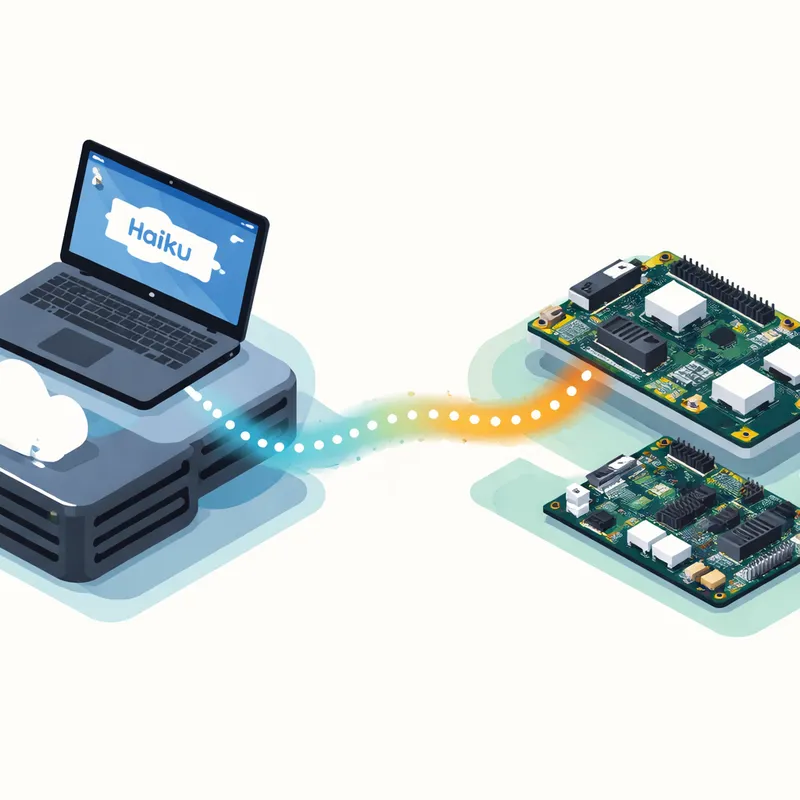
Right now, the key limitation is simple: this ARM64 desktop boot is happening in QEMU, not as broad support for physical ARM devices.
That does not reduce the value of the milestone. It just sets expectations.
According to the reporting, real hardware support is still ongoing. So if you are wondering whether you can install Haiku OS on every ARM board or jump straight to a Haiku OS Raspberry Pi setup, the answer is no, not yet. The port is progressing, but it is still early.
This is a common pattern in operating systems work:
- Get the system building correctly.
- Get it booting at all.
- Get it booting to a usable desktop in virtualization.
- Expand hardware enablement and driver support.
- Stabilize enough for broader testing.
Haiku is now much further along that path than before.
What this means for users, developers, and the Haiku community
If you are a user, this milestone probably does not mean you should move your daily machine to ARM Haiku tomorrow. But it does mean the platform is becoming more believable.
If you are a developer, this is where things get interesting. A desktop-booting image in QEMU makes testing easier. It also makes bugs easier to share and reproduce. That can improve the overall health of the ARM64 port.
If you care about the long-term shape of Haiku OS supported hardware, this is exactly the kind of progress you want to see. First the virtual target becomes usable. Then the driver work and board support get sharper.
The monthly updates also noted other work beyond ARM64, including:
- progress on applications
- continued Microsoft Hyper-V support
- a fix to the generic USB Ethernet driver
- regression fixes on the road toward Beta 6
That broader context matters. A port is more useful when the rest of the operating system keeps improving too.
Is Haiku ready to use in 2026?
The answer depends on what you mean by ready.
Reports around this milestone say Beta 6 is not quite ready yet. At the same time, Haiku is described as mature enough that many people can use the latest nightly builds despite the usual caveats.
That sounds fair to me. Haiku has been usable for enthusiasts for a while, especially if you understand what nightly software means. But you should still expect rough edges, missing support, and occasional regressions.
A good way to think about it is this:
- If you want a polished mainstream replacement, wait.
- If you enjoy testing fresh operating systems, experimenting with Haikuports, and watching a platform evolve, nightly builds can already be worth your time.
The bigger story: Haiku is staying relevant
A lot of alternative operating systems fade into archive status. They remain interesting, but not current. Haiku keeps dodging that fate.
This ARM64 desktop boot in QEMU shows that Haiku is still adapting to where hardware is going. That matters because modern hardware support is one of the main things that decides whether a small OS remains a living project or becomes a museum piece.
BeOS fans often talk about what was lost when BeOS faded. That nostalgia is real, but Haiku's best path forward is not to live in the past. It is to bring those ideas to current CPUs, current virtual machines, and current developer workflows.
That is why this breakthrough feels important. It connects old design values to present-day ARM systems.
What to watch next
The next things worth watching are practical, not dramatic:
- more ARM64 bug fixes
- broader userland stability
- better device and driver support
- progress from QEMU toward real hardware
- continued momentum toward Beta 6 and beyond
If those pieces keep moving, Haiku for arm could become one of the most interesting niche OS stories of the next year.
Not because it will suddenly replace Linux, macOS, or Windows. It will not. But because it gives you another answer to a question many people still care about: what should personal computing feel like when speed and simplicity come first?
FAQ
What is the purpose of Haiku OS?
Haiku is an open-source operating system built for personal computing. Inspired by BeOS, it aims to be fast, simple to use, easy to learn, and still powerful enough for everyday desktop tasks. Its goal is not to copy larger operating systems feature for feature. It focuses on a responsive desktop experience and a clean design.
What are the system requirements for Haiku OS?
The requirements depend on the build and the hardware target. Today, the best-supported Haiku installations are generally on x86 and x86_64 systems, while ARM64 support is still emerging and currently shown booting in QEMU. In practical terms, you need a compatible CPU, enough RAM for the desktop environment, storage space for the system image, and supported graphics, input, and network hardware. For ARM users, the safest path right now is testing current nightly builds in QEMU until real hardware support becomes broader.
Can you run Haiku OS on Raspberry Pi?
Not as a broadly supported plug-and-play option right now. People often search for Haiku OS Raspberry Pi support because ARM is such a natural fit for small boards, but the current milestone is ARM64 booting to desktop in QEMU. Real hardware support is still being worked on.
What role does QEMU play in Haiku's ARM progress?
QEMU gives Haiku developers a predictable virtual ARM64 machine. That makes it easier to boot, debug, test memory mapping, fix bootloader issues, and improve userland before chasing the quirks of real boards and devices.
Does this mean Haiku will support more hardware soon?
It is a promising sign, but not a guarantee. A desktop boot in QEMU is a strong foundation. Broader hardware support still depends on more driver work, board-specific fixes, and ongoing testing.

