Google Maps is getting a Gemini upgrade for your next trip
Google Maps is getting a Gemini upgrade, and it could change how you plan and navigate your next trip in 2026. Instead of using a map only to search a place and follow directions, you can now ask Google Maps more natural questions, get AI-powered help, and use a richer map view while driving. Google is also expanding features tied to real-world imagery, including Create generative media grounded in Street View through Maps Imagery Grounding for enterprise use. For everyday travelers, the big story is simple: Google Maps is becoming more conversational, more visual, and more useful when you need quick answers on the go.
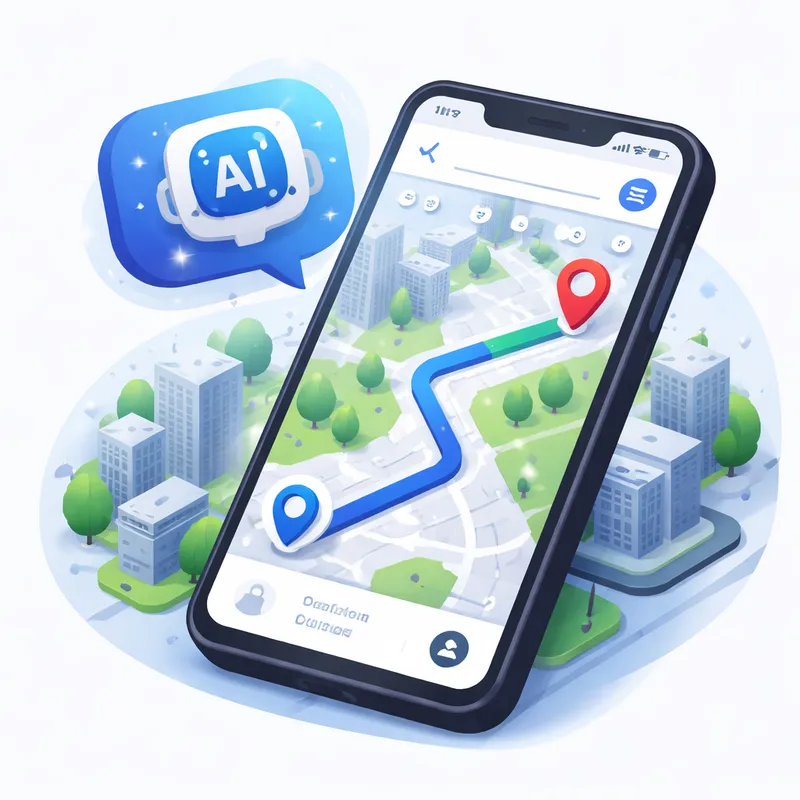
What is new in the Google Maps AI update?
There are two major user-facing upgrades behind this Google Maps update.
First, Google is rolling out Ask Maps, a conversational feature that lets you ask more complex, real-world questions. Think of questions that old search boxes struggled with, like:
- Where can you charge your phone without waiting in a long line?
- Is there a public tennis court with lights available tonight?
- What should you stop at on a road trip if you want quick food and easy parking?
Instead of giving you a plain list, Ask Maps tries to understand the intent behind your question. It can use places you have searched for or saved in Maps to personalize results. Then it helps you take the next step, such as saving a place, sharing it with friends, booking a restaurant reservation, or getting directions.
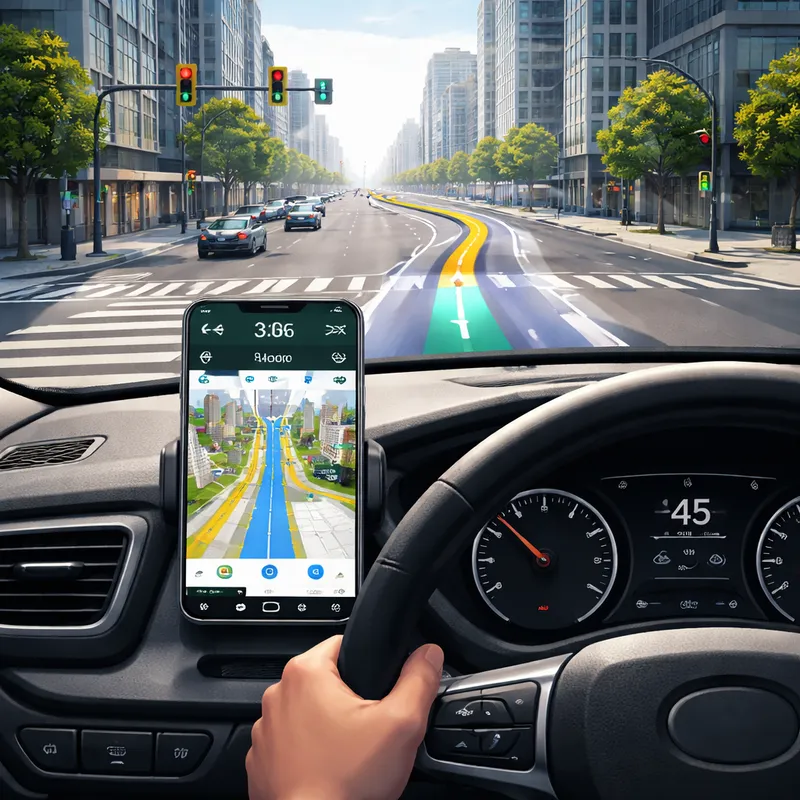
Second, Google is launching Immersive Navigation, which it describes as its biggest navigation change in more than a decade. This upgrade adds a vivid 3D-style view of your route, smarter lane and turn guidance, more natural voice directions, and better final-arrival help like building entrance and parking guidance.
Together, these features push Google Maps closer to feeling like a travel assistant instead of just a map.
How Ask Maps Google works in real travel situations
Ask Maps matters because travel questions are often messy. You are rarely looking for just one thing. You are looking for a place that fits your time, budget, group, and mood.
That is where this feature gets interesting.
Say you are in a new city and your phone is dying. You do not just need a cafe. You need somewhere to charge your phone, ideally without a huge line, and maybe close to your next stop. Or maybe you are traveling with kids and want a dinner spot that is fast, nearby, and easy to park at. Ask Maps is designed for those kinds of questions.
Google says Maps analyzes information from more than 300 million places and taps into reviews from a community of over 500 million contributors. That scale is what helps it return practical recommendations instead of generic suggestions.
For trip planning, Ask Maps can also help with:
- clear directions and ETA info
- insider tips, like hidden trails or free entry times
- saving places into lists
- sharing plans with friends
- booking restaurant reservations
If you like to build a trip as you go, this could save you a surprising amount of time.

What Immersive Navigation means when you are actually driving
This is the part many drivers will notice first.
Immersive Navigation upgrades the visual side of guidance so you can better understand what is around you before a turn, lane split, or exit. Google Maps will show a more vivid 3D route view with details like:
- buildings
- overpasses
- terrain
- lanes
- crosswalks
- traffic lights
- stop signs
The goal is simple. You should be able to glance at the screen and understand the road ahead faster.
Google says Gemini models help power this spatial understanding by analyzing fresh real-world imagery from Street View and aerial photos. That allows Maps to recognize landmarks, medians, and other route details that matter when you are driving in unfamiliar places.
This Google Maps 3D navigation update also adds:
- a broader route view to help you prepare early
- smart zooms for tricky turns and lane changes
- transparent buildings so you can see more of what is ahead
- updated voice guidance that sounds more natural
- route tradeoff explanations, such as less traffic versus tolls
- alerts for real-time disruptions like crashes and construction
Google says Maps processes more than 5 million traffic updates every second worldwide, with support from more than 10 million daily community contributions. That is a huge reason why route guidance keeps improving.
Google Maps Immersive view how to use it on your next trip
If you are wondering about Google Maps Immersive view how to use, the basic idea is pretty simple.
When Immersive Navigation is available on your device and route:
- Open Google Maps and enter your destination.
- Start navigation as usual.
- Look for the more detailed 3D route view and enhanced guidance elements.
- Use the broader route preview before you start moving.
- Pay attention to lane highlights, landmark cues, and final approach guidance as you near your stop.
One of the most practical upgrades is the final stretch. Before you leave, Google Maps may show a Street View preview of your destination and surroundings. As you get close, it can point out:
- the building entrance
- nearby parking
- the correct side of the street for arrival
If you have ever driven around a hotel block twice or stopped on the wrong side of a busy road, you know how helpful that can be.
A smarter hands-free trip with Google Maps Gemini update
Google has also announced more Gemini-powered navigation features beyond Ask Maps and Immersive Navigation. These include a hands-free conversational driving experience, landmark-based navigation, proactive traffic alerts, and Lens built with Gemini for place discovery after you arrive.
That means your next trip may involve voice commands like:
- find a budget-friendly restaurant with vegan options along the route
- check if there is parking there
- look for available EV chargers nearby
- share your ETA with a friend
Landmark-based navigation is another useful shift. Instead of hearing only distance-based instructions, you may hear directions tied to visible places, like turning right after a restaurant or near a known building. That feels more natural because it matches how many people actually navigate in real life.
Lens built with Gemini can also help when you arrive somewhere new. You can point your phone at nearby restaurants, cafes, shops, or landmarks and ask what a place is, why it is popular, or what the vibe is like. That is handy when you are choosing between two spots and do not want to dig through reviews for ten minutes.
What this means for your next trip in plain English
Here is the short version.
This Google Maps AI update should make your trip easier in three moments that usually cause friction:
1. Before you leave
You can ask better questions and build a plan faster. Instead of doing five separate searches, you may get one useful answer and act on it.
2. While you are on the road
You get more intuitive navigation with a clearer view of turns, lanes, landmarks, and real-time road issues.
3. When you arrive
You get help with the part many apps still handle badly, which is the final approach, the entrance, and nearby parking.
If Google gets the execution right, that means less guessing, fewer missed turns, and less time bouncing between apps.
Where and when these features are rolling out
Based on Google's announcements:
- Ask Maps is rolling out now in the U.S. and India on Android and iOS, with desktop coming soon.
- Immersive Navigation starts rolling out across the U.S., with expansion over the coming months to eligible iOS and Android devices, CarPlay, Android Auto, and cars with Google built-in.
- Other Gemini navigation features are also starting in the U.S., with timing varying by feature and platform.
So if you do not see every upgrade right away, that is normal. Google is clearly treating this as a phased rollout.
What about Maps Imagery Grounding and Google Earth AI?
There is another side to this story that is easy to miss.
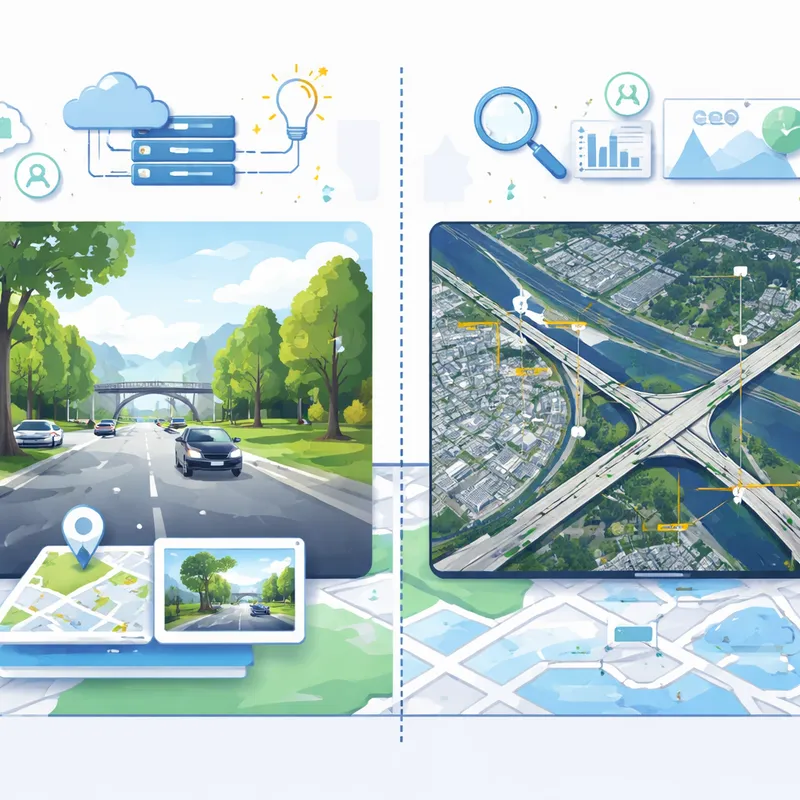
Google is also adding AI features to its broader mapping ecosystem for business and enterprise users. One example is Maps Imagery Grounding, which lets users create generative visuals grounded in Street View data. In other words, it can generate place-based imagery that reflects real-world location details.
For regular travelers, this does not directly change your road trip tomorrow. But it shows where Google is heading. The company is connecting AI, Street View, aerial imagery, and geospatial analysis into one larger system.
Google Earth AI updates also include tools that can analyze aerial and satellite imagery much faster, plus models that detect objects like roads, bridges, and power lines. Those tools are more relevant for planners, analysts, and disaster response teams than for vacation planning, but they reinforce the same idea: Google wants maps to understand the world, not just display it.
Should you trust it completely?
Probably not completely, at least not yet.
Google itself notes that generative AI is experimental. That matters. AI summaries and conversational answers can be helpful, but they are not magic. You should still double-check important details like opening hours, availability, reservations, parking rules, and road conditions when it really matters.
My take is simple: use these features as a smart shortcut, not as your only source of truth.
That said, this still looks like one of the more practical uses of AI in a consumer app. It solves everyday travel problems that people actually run into.
FAQ
Is Google Maps generative AI?
Not exactly as a whole product. Google Maps is still a mapping and navigation app, but Google is adding generative AI features to it through Gemini. That includes conversational tools like Ask Maps and AI-assisted navigation features. So the better answer is that Google Maps now uses generative AI in parts of the experience.
Can I see my house in real time on Google Earth?
No, not in real time. Google Earth and Google Maps imagery are not live camera feeds. Street View, aerial photos, and satellite images are updated over time, but they can be weeks, months, or even older depending on the area.
How does Google Maps use AI during travel?
Google Maps uses AI during travel to understand natural-language questions, personalize recommendations, improve route understanding, highlight lanes and landmarks, surface traffic issues, and support hands-free voice interactions. With the latest Google Maps Gemini update, AI also helps power more visual 3D navigation and better destination guidance.
What is the Google Maps update 2026?
In 2026, the headline Google Maps update includes Ask Maps for conversational trip planning and Immersive Navigation for richer 3D guidance, lane help, real-time alerts, and better arrival guidance. Google is also expanding Gemini-powered navigation, landmark-based directions, and Lens-based place exploration in the U.S. and other supported regions over time.
Final thoughts
If you use Google Maps every week, this is one of those updates that could quietly make a real difference. You may spend less time typing awkward searches, less time second-guessing a turn, and less time hunting for the right entrance when you finally arrive.
That is what makes this Google Maps update worth watching. The AI is not just there to sound impressive. It is being applied to the small travel moments that usually slow you down.
For your next trip, that might be enough to matter.

