A DHL email that looks normal but is built to infect you
A new DHL email scam in 2026 shows how easy it is for criminals to trick you to install remote access malware. The email says your shipment had arrived. That sounds routine. If your company gets deliveries, or if you order parts, tools, or supplies, it feels believable. But this is exactly how phishing emails work. They look familiar, push you to act fast, and try to get you to open a file.
In the case reported by Malwarebytes, the target was a German industrial spare parts and equipment supplier. The message claimed a shipment had arrived and included an attachment named AWB-Doc0921.pdf. That file was the real trap.
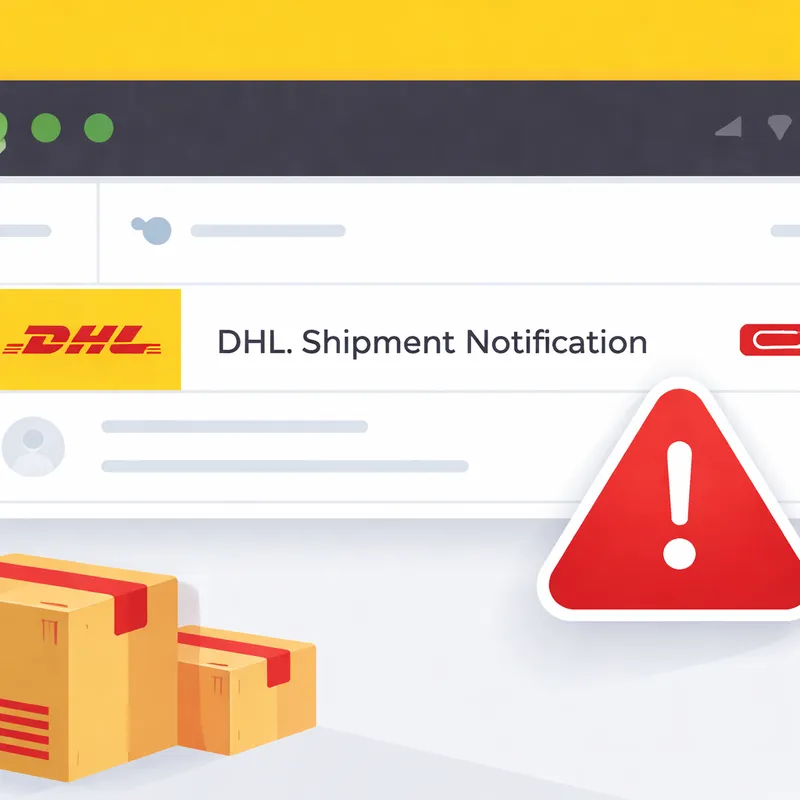
How the DHL-style phishing email works
The attack starts with a simple delivery notice. The email pretends to be from DHL and tries to make you think there is a shipment waiting for your attention. A lot of people would open that without thinking twice, especially if they handle purchasing, warehouse work, or customer inquiries from a generic mailbox like info@.
Here are the red flags seen in the reported campaign:
- The sender address was not actually DHL.
- The message was sent to a generic info@ address.
- Some email images were hosted on ecp.yusercontent.com, which is odd for a DHL message.
- Most important, it included an attachment that should not have been trusted.
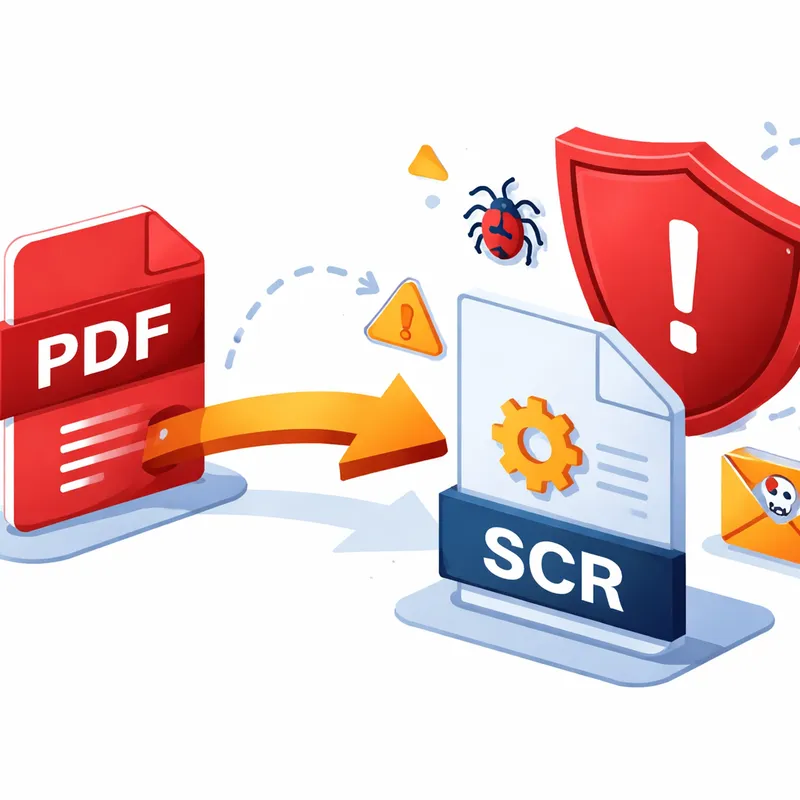
The attachment looked like a PDF, but opening it showed blurred content and a Microsoft-branded Continue button. That button claimed to help the user access a secure file. Instead, it triggered the download of a file named AWB-Doc0921.scr from longhungphatlogistics[.]vn.
That is the moment the scam shifts from a fake delivery notice into malware delivery.
Why the .scr file is a serious warning sign
Many people expect malware to arrive as an obvious .exe file. Attackers know that. So they often use file types that look less suspicious.
A .scr file is normally a Windows screensaver executable. In plain terms, it is still an executable file. If you run it, you are launching a program.
That matters because Windows may treat .scr files as trusted enough to get past a user's guard or some weaker security controls. In this campaign, the .scr file was described as a modified installer for SimpleHelp, a legitimate remote support and remote monitoring tool.
This is an important point. The file does not have to be an obviously evil program to be dangerous. A real remote support tool, delivered in the wrong way, can still become a backdoor.
What SimpleHelp can do once installed
SimpleHelp is designed for remote support. On its own, that is not unusual. IT teams use tools like this to connect to systems, transfer files, run diagnostics, and provide unattended access.
But if an attacker gets you to install it, they can use those same features against you.
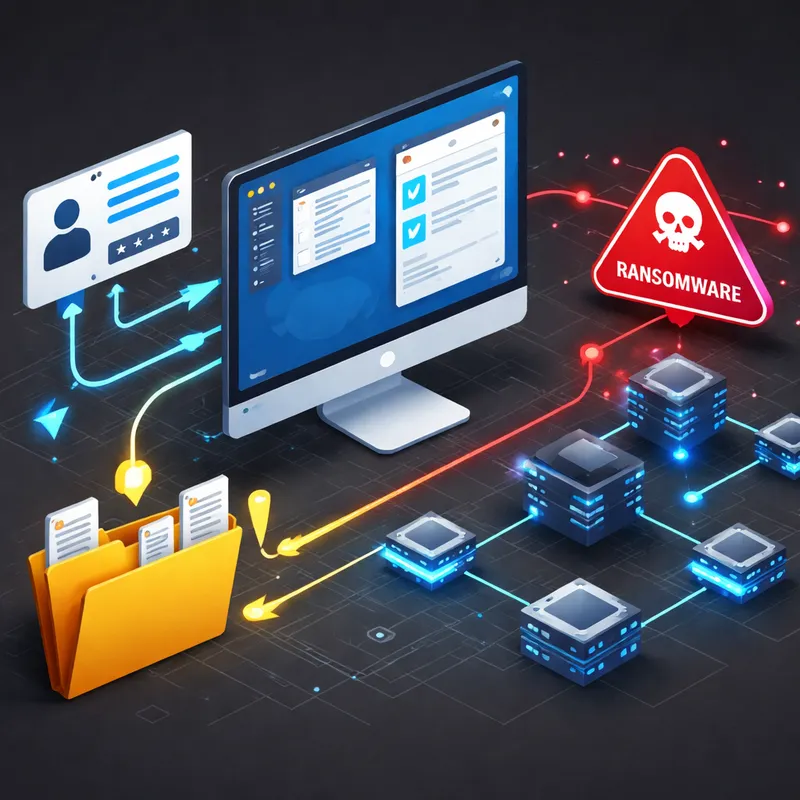
A malicious operator can use remote access software to:
- View and control your desktop
- Transfer files in and out of the system
- Gather system and network information
- Steal credentials
- Move to other machines on the network
- Disable or avoid defenses
- Stage more malware, including ransomware
This is why the phrase to install remote access malware matters so much here. The email is not just trying to get a click. It is trying to give the attacker hands-on access to your machine.
Why this attack is effective in real companies
The social engineering is simple, and that is part of the reason it works.
A shipping notice fits normal business activity. Companies receive carrier emails all the time. A spare parts supplier, a freight desk, a front office, or a customer service team may see dozens of shipping notices in a week. That creates a habit. Once habits kick in, people stop checking details.
Attackers also rely on what security teams often call a beaconing model. After the tool is installed, the infected computer connects out to the attacker-controlled server. That outbound connection is more likely to pass through firewalls and NAT than an attacker trying to connect inward from the internet.
So from the criminal's point of view, the hard part is only getting you to run the file once. After that, the system may keep reconnecting while the service stays active.
I think this is the part many people miss. The click is not the end of the scam. It is the start of persistent access.
Signs the email is fake even if it looks polished
A polished message can still be fake. DHL itself warns that phishing emails may use convincing branding, urgent wording, and even spoofed sender details.
Check these signs before you click:
- The sender domain does not end in @dhl.com, @dpdhl.com, @dhl.de, @dhl.fr, @dhl-news.com, or another official country domain after @dhl
- The email asks you to open an attachment you were not expecting
- The supposed PDF asks you to download another file
- The linked site is not a DHL-owned domain
- The message uses urgency like your package is waiting, delivery failed, or act now
- The branding looks close, but not quite right
- The message lands in a generic mailbox and lacks order details you can verify
Also remember this: DHL says it never sends from free email services like @gmail or @yahoo. So if you see a so-called DHL gmail sender, that is a major red flag.
This is not the first DHL Email Virus campaign
This 2026 example is fresh, but the tactic is older. DHL-themed phishing has been used for years to spread different malware families.
Security researchers and malware analysts have previously linked DHL-style lures to malware such as:
- LokiBot for credential theft
- Remcos RAT for remote administration abuse
- Agent Tesla
- FormBook
- Even ransomware in some variants
In older campaigns, attackers used attachments like ISO files, Word documents, and HTML credential phishing pages. The theme stayed the same: delivery problem, shipment notice, print your document, or your parcel has arrived.
That is why some guides refer to the DHL Email Virus as a spam email campaign used to proliferate a high-risk trojan. The payload changes, but the trick is familiar. The attacker wants you to trust the brand and ignore the file type.
What you should do if you receive one of these emails
If you get a suspicious DHL message, do this right away:
- Do not open the attachment.
- Do not click links in the email.
- Verify the shipment in the official DHL app or by typing the DHL website address directly into your browser.
- Check the full sender address and any linked domain.
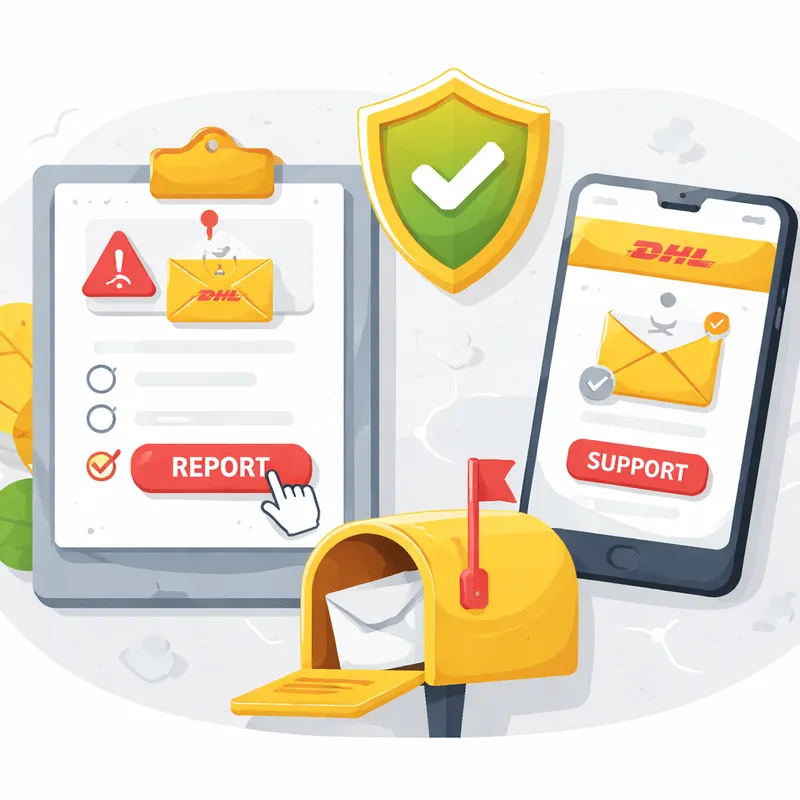
- Report the email to phishing@dhl.com.
- Mark it as spam in your mail system.
- If it reached a work mailbox, alert your IT or security team.
If you already clicked and ran the file:
- Disconnect the device from the network if possible
- Contact your IT team or managed security provider immediately
- Run a full scan with an up-to-date security product
- Reset passwords from a clean device, especially if you used the infected system for email, admin access, banking, or cloud services
- Review remote access tools and startup items for anything unexpected
- Watch for follow-on activity such as new login prompts, MFA fatigue, or unusual account changes
Malwarebytes said its Scam Guard recognized this message as a scam. That is a good reminder to keep real-time protection and web protection enabled.
How to report phishing to DHL
DHL asks users to report suspicious emails, SMS messages, websites, or social media accounts that misuse the DHL brand.
For suspicious emails, send them to phishing@dhl.com. DHL says it investigates every report, though it usually will not respond to personal inquiries. For shipment questions, use official customer support instead.
If possible, send the suspicious email as an attachment so the complete mail headers are preserved. Forwarding alone may remove details investigators need.
If the message arrived on mobile, you can still forward it and report it as spam in your mail app.
If your concern is about a real delivery, use official support channels such as DHL Customer Service international, Contact DHL eCommerce, or DHL Freight Customer Service pages rather than the email you received.
How to protect yourself from delivery-themed malware
A few habits make a big difference:
- Be cautious with unsolicited attachments
- Treat any PDF that pushes you to download a second file as suspicious
- Check the full file extension, not just the icon or visible name
- Use MFA on important accounts
- Keep anti-malware software updated
- Use web protection that blocks known bad domains and downloads
- Train staff who work in shared inboxes like info@, support, sales, and logistics
And one more thing. If a message creates panic or urgency, pause. That is often the best defense. Attackers want your reaction, not your judgment.
FAQ
Is this a legitimate DHL email address?
Official DHL communication is always sent from @dhl.com, @dpdhl.com, @dhl.de, @dhl.fr, @dhl-news.com or another country domain after @dhl. Note: be aware of spoofed phishing emails sent from fake email addresses using DHL legitimate domains. So the sender address alone is helpful, but it is not enough by itself.
How do I report a phishing email pretending to be DHL?
Please report all suspicious activity to DHL's dedicated Anti-Abuse Mailbox at phishing@dhl.com. DHL says it thoroughly investigates every report of suspected fraud, but generally will not respond to personal inquiries. If you can, send the email as an attachment so the full headers are included.
Can malware be delivered via an email attachment?
Yes. Email is a common way for malware and viruses to spread. They can arrive as an email attachment, or the message might encourage you to follow a link to a website where the malware then downloads onto your machine. That is exactly what happened in this DHL-style campaign.
Is email the most common way to get malware?
Malware can spread through SMS, USB drives, QR codes, and other routes. But email remains a very common delivery method for infected files and malicious URLs. According to Verizon's 2024 DBIR, 94% of malware is delivered through emails.
Is a DHL missing package claim always a scam?
No. A DHL missing Package claim or delivery problem can be real. The safe approach is to verify it through the official DHL website or app, not through links or attachments in the email. If the message pressures you to download a file, treat it as suspicious.
Why would attackers use a real remote support tool instead of custom malware?
Because it blends in. Tools like SimpleHelp are legitimate and useful in normal IT work. But when attackers trick you into installing them, they get many of the same benefits as a RAT or backdoor without needing a custom payload.
Final takeaway
A fake shipping email does not need to be flashy to work. It only needs to catch you at the wrong moment.
If an email says your DHL shipment had arrived and asks you to open a file, slow down. Check the sender. Check the domain. Check the extension. And if anything feels off, report phishing to DHL at phishing@dhl.com and verify your shipment using official channels only.

