Pixel Users Report Severe Idle Battery Drain After the April 2026 Update
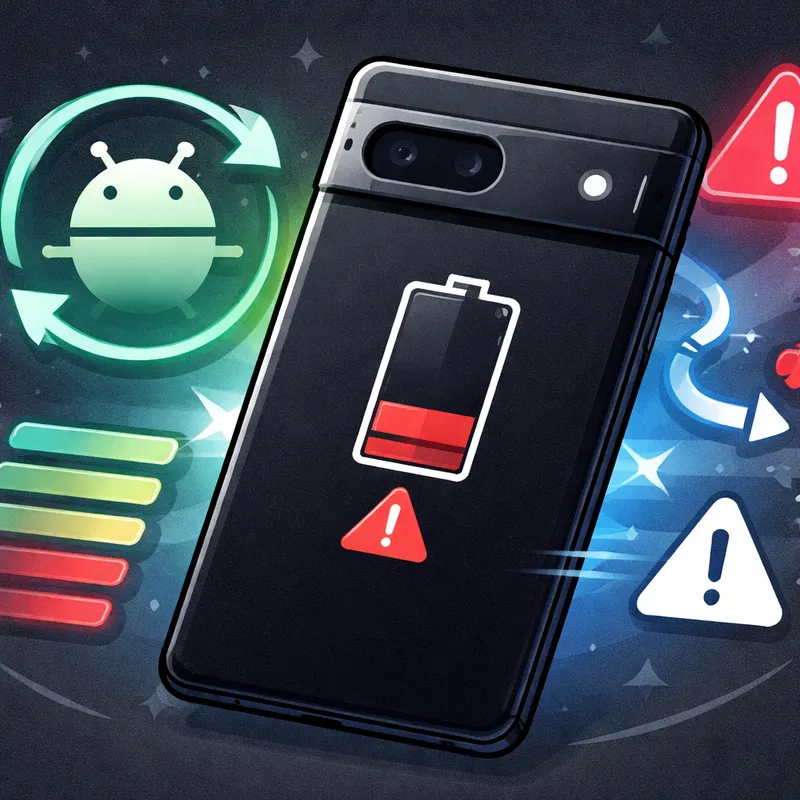
Pixel users report severe idle battery drain after the April 2026 update, and the complaints are piling up fast. If your battery is dropping while your phone sits in your pocket or on a desk, you are not imagining it. Reports across forums, Reddit, and issue trackers say some Pixel phones are losing power in idle, sometimes even in airplane mode.
The issue does not seem limited to one model. Reports span multiple generations, from Pixel 6 devices through the Pixel 10 lineup. In some cases, people say battery life feels cut nearly in half. Others say they are only getting a few hours of screen time.
The good news is simple. Google is actively investigating a Pixel battery drain issue. The bad news is there is no confirmed fix yet.
What Is Happening With the April 2026 Update?
Right now, the most common complaint is severe idle drain. That means your phone loses battery when you are barely using it, or not using it at all. A few reports suggest the phone may be waking too often in the background. Another theory is that the CPU is not entering deep sleep properly when the screen is off.
That matters because deep sleep is one of the main ways Android saves power. If a bug keeps the processor active, your phone can keep sipping battery all day and night.
Some users also say the drain continues even after turning on airplane mode. That makes this feel bigger than a normal connectivity problem tied only to 5G, Wi-Fi, or Bluetooth.
What makes this update frustrating is the timing. Early April coverage praised the update for fixing crashes and stability problems. Then battery complaints started spreading soon after.
Which Phones Seem Affected?
Based on public reports, this is not just one bad batch of devices. The issue appears across several Pixel generations, including:
- Pixel 6 series
- Pixel 7 series
- Pixel 8 series
- Pixel 9 series
- Pixel 10 lineup
That broad range is one reason the story has gained so much attention. Public issue tracker comments reportedly passed 600 in a little over a week, and Reddit threads continue collecting fresh reports.
If your Pixel suddenly started draining after the April 2026 patch, the update is a reasonable suspect.
What to Do Now If Your Battery Is Draining Fast
There is no official one-click fix yet, but you can still reduce the damage while you wait for Google to ship a patch. Start with the steps below, in order.

1. Check for another Android update
It sounds obvious, but do this first.
Go to: Settings → System → Advanced → System update → Check for update
If Google pushes a small follow-up fix or if the May 2026 patch arrives early for your device, you will want it right away.
2. Update your apps too
Open the Play Store and update everything. Even if the main problem comes from the system update, app developers sometimes ship fixes for background behavior and battery use.
3. Review battery usage
Go to: Settings → Battery → More options → Battery usage
Look for apps or system processes using an unusual amount of power. If one app suddenly jumped after the update, that app may be making the system bug worse.
4. Turn on Adaptive Battery
Go to: Settings → Battery → Adaptive Battery
This helps Android limit apps you do not use often. It is not a guaranteed fix, but it can slow the drain.
5. Make sure battery optimization is enabled
Go to: Settings → Apps & notifications → Advanced → Special app access → Battery optimization
Set apps to Optimize where possible. If an app is allowed to run freely in the background, your battery may keep falling even when the screen is off.
6. Remove or force stop recently installed apps
If the drain started right after a new app, uninstall it and watch your battery for a day. I always check this before assuming the phone update is 100% at fault. Sometimes an update exposes bad app behavior that was already there.
7. Temporarily disable all installed apps with Safe Mode
Safe Mode is one of the best tests you can run.
To enter Safe Mode:
- Press and hold the power button
- Press and hold Restart
- Tap OK
This temporarily disables third-party apps. If battery drain improves a lot in Safe Mode, an app is likely contributing to the problem. If the drain stays bad, the April update itself becomes the more likely cause.
To exit Safe Mode, restart your phone normally.
8. Reduce battery-heavy features for now
Until Google fixes the issue, cut anything that adds extra load:
- Turn off Bluetooth when you are not using it
- Turn off Location if you can live without it for a while
- Avoid weak-signal areas when possible
- Use Wi-Fi instead of mobile data if your signal is poor
- Lower screen brightness
- Turn on Battery Saver during long days
9. Try airplane mode as a test, not as a final fix
Some users say battery drain continues even in airplane mode. Still, testing with airplane mode for a few hours can help you learn whether radios are part of your specific battery problem.
10. Contact Google Support and report details
Google is asking users for more information. That matters because device model, battery graphs, and exact update versions can help narrow down the bug.
You can start here: Settings → Tips & Support
If you report it, include:
- Your Pixel model
- The date the issue started
- Your current Android build number
- Whether drain happens in airplane mode
- Whether Safe Mode improves battery life
- Screenshots from Battery usage
Signs the April 2026 Bug Is Hitting Your Phone
Here are the clearest warning signs:
- Your battery drops fast while idle
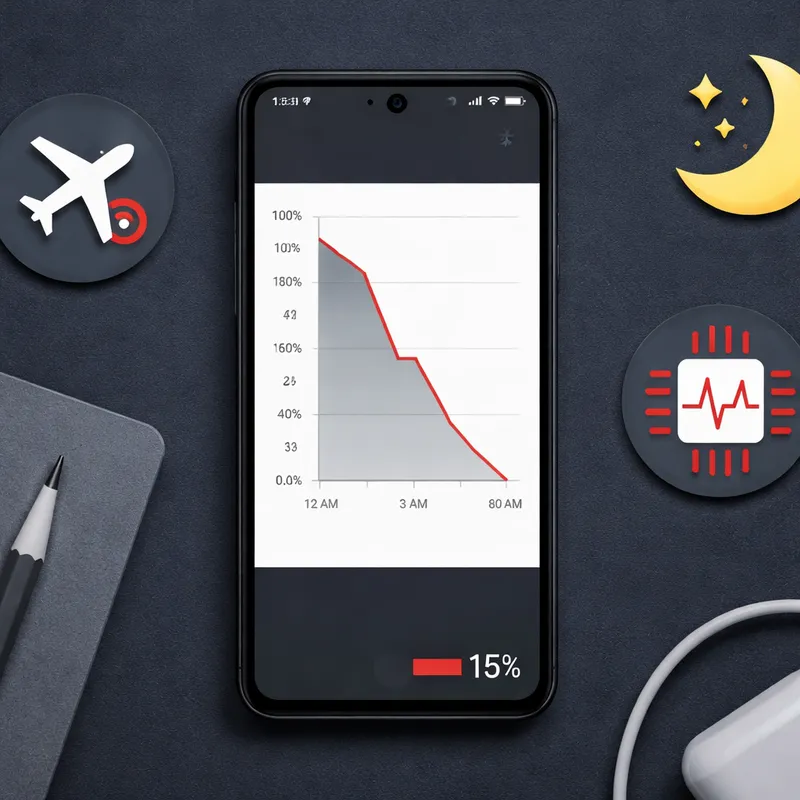
- Overnight battery loss is much higher than normal
- Battery life suddenly changed right after the April 2026 update
- Screen-on time is down sharply
- The phone feels warm while doing very little
- Airplane mode does not fully stop the drain
If that sounds like your phone, you are probably dealing with the same issue other Pixel users are reporting.
Will Google Fix It Soon?
Google has acknowledged the issue and is working on a fix, but there is no official release date yet. Based on the timing, many people expect a correction in an upcoming update, possibly the May 2026 patch.
That is the part nobody likes hearing, but it is the honest answer. For now, the practical move is to reduce battery strain, collect a little evidence, and stay ready for the next system update.
This also is not the first time a Pixel update has caused battery trouble. Similar complaints popped up in past updates too, which is one reason many users are paying close attention this time.
When You Should Consider a Factory Reset
A factory reset is the last step, not the first.
Try it only if:
- Safe Mode does not help
- App checks show nothing unusual
- Your battery drain remains severe for several days
- You have backed up everything
Backup paths:
- Settings → Google → Backup → Back up now
- Google Photos → Settings → Backup and sync
A reset can clean up software conflicts, but if the root cause is a system-level bug in the April 2026 update, a reset may not fully solve it. I would wait for the next patch unless your phone has become hard to use.
FAQ
What kills Android battery life?
The biggest battery killers on Android are high screen brightness, weak cellular signal, apps running in the background, heavy location use, Bluetooth activity, gaming, video streaming, and software bugs that stop the phone from sleeping properly. In the current April 2026 situation, the biggest concern appears to be severe idle battery drain, which may mean the phone is waking too often or not entering deep sleep.
What is the *#9900 code for battery?
Open the dialer and type *#9900#. Scroll down and tap on the Batterystats reset option to erase current battery usage data and restart the learning process. That said, availability can vary by device and software version, and not every Android phone supports this menu.
Why is the new Android update draining the battery?
A likely explanation is a bug affecting deep doze or deep sleep behavior. In simple terms, your phone should enter a low-power rest state when the screen is off. If the processor stays active instead, your battery can drain much faster. That matches many user reports tied to the April 2026 update, although Google has not confirmed the exact cause yet.
Why is my Android phone battery dying so fast all of a sudden?
A sudden battery drop usually points to one of four things: a recent software update, an app stuck in the background, weak network signal, or a battery health problem. If the issue started right after the April 2026 update and your phone drains while idle, the update may be the trigger. Check Battery usage, test Safe Mode, and install any new patches as soon as they appear.
Final Take
If your Pixel battery is draining fast after the April 2026 update, do not panic and do not assume your battery is permanently damaged. Right now, this looks like a widespread software issue, not just normal battery aging.
Your best move is to update everything, check battery usage, use Safe Mode to rule out apps, reduce background load, and watch for Google's next patch. If the reports are right, a fix may not be far off. Until then, a few small changes can make your phone a lot more usable.

