Adobe unveils new AI video tools in Firefly for faster 2026 workflows
Adobe unveils new AI video tools in Firefly, and the bigger story is speed. If you work in video production, you can now create and edit images, audio, and video with tighter links across Adobe, Frame, io, AI, and Firefly tools. Adobe's new Firefly AI assistant, new Firefly Video Editor updates, Premiere Color Mode, and Frame.io Drive all point to the same goal: less waiting, fewer exports, and more time spent shaping the story. That makes this one of Adobe's latest innovation pushes toward AI-powered workflow automation and AI-powered bulk creation and editing.
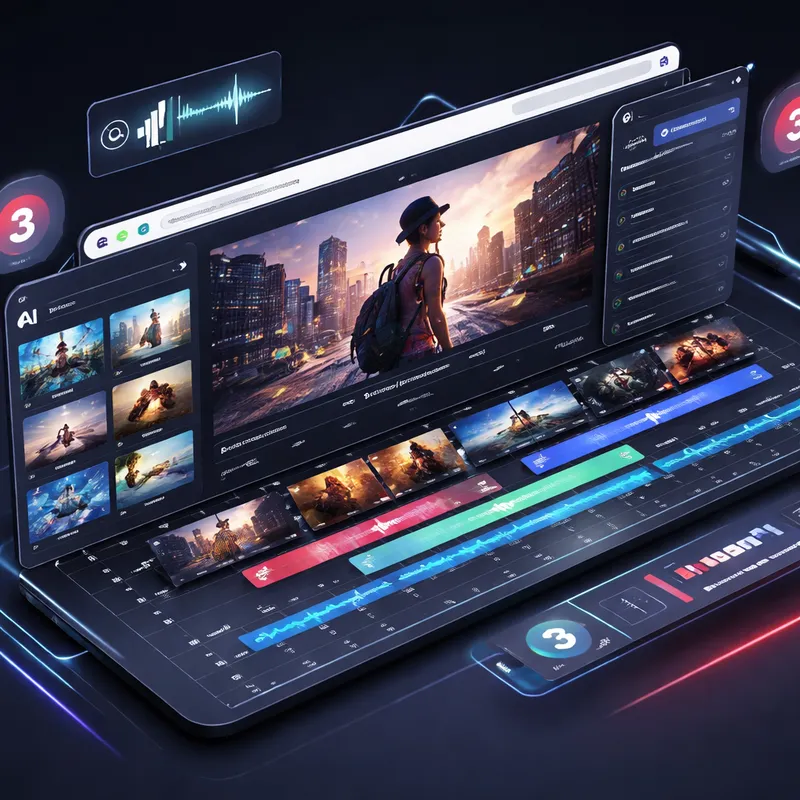
The April 2026 update is not just one new feature. It is a connected set of changes across Firefly, Premiere Pro, After Effects, and Frame.io. Together, they make the creative path feel more direct:
- generate clips inside Firefly
- clean audio without leaving the editor
- pull licensed Adobe Stock assets in the same workflow
- send ideas into Premiere faster
- grade with the new editor-first Color Mode
- access shared media through Frame.io Drive like it is stored locally
If your current workflow still involves download folders, relinking headaches, and endless handoffs, this matters.
What changed in Adobe Firefly Video Editor
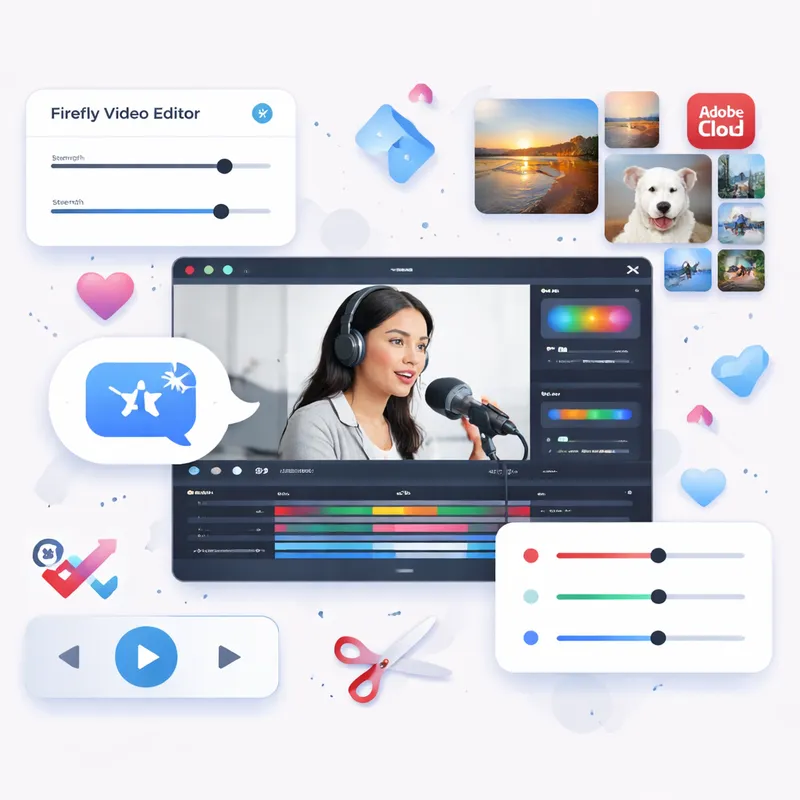
Firefly Video Editor is becoming a more complete browser-based workspace. Adobe describes it as a multi-track timeline where you can mix generated clips, your own footage, and music, then edit by timeline or by text.
That may sound simple on paper, but it solves a real problem. A lot of AI video tools help you generate assets, then leave you to finish the job somewhere else. Firefly is clearly trying to keep you in one place longer.
Here are the biggest additions:
Better audio tools inside the editor
Adobe added audio upgrades directly in Firefly Video Editor, including:
- Enhance Speech to automatically clean up dialogue
- controls for noise and reverb
- level balancing across speech, music, and ambience
For you, that means fewer round trips just to make rough edits watchable. If you have ever cut an interview with noisy room tone, you already know why this matters.
Adobe Stock integration without leaving the workflow
Firefly Video Editor now connects directly to Adobe Stock, with access to more than 800 million licensed assets including:
- video
- images
- audio
- sound effects
That is a big time saver for b-roll hunting and quick filler shots. Instead of opening three tabs and downloading assets into random folders, you can source, generate, upload, and edit in one place.
Simple color controls before export
Firefly also adds basic color adjustments such as:
- exposure
- contrast
- saturation
- temperature
- one-click looks
This will not replace a full grading pass in every project, but it is useful for fast polishing. If you are making social edits, pitch videos, product demos, or first cuts, these controls can be enough.
New Firefly AI video models: Kling 3.0 and Kling 3.0 Omni
Adobe also expanded Firefly with new third-party video models, including Kling 3.0 and Kling 3.0 Omni. That matters because Firefly is increasingly becoming a hub where you choose the right model for the job instead of jumping between separate tools.
Kling 3.0
Adobe positions Kling 3.0 as an all-purpose AI video model with strengths in:
- smart storyboarding
- audio-visual sync
- fast, high-quality production
This is useful when you need speed and decent structure, especially in early concept work.
Kling 3.0 Omni
Kling 3.0 Omni is the more advanced option for professional control and consistency. Adobe says it lets you specify:
- shot duration
- camera angle
- camera movement
- stronger character emphasis
- better consistency across shots
That makes it more relevant for teams that care about repeatability, not just novelty. If you are pitching a sequence or building previsualization for a client, control matters more than flashy output.
Adobe says Firefly now includes more than 30 industry-leading models. The company also points to options such as Veo 3.1, Runway Gen-4.5, and Nano Banana 2. The practical benefit is choice. The catch is that commercial safety and indemnification can vary depending on whether you use Adobe's first-party models or partner models.
Why the Firefly AI Assistant could change how you work
The coming Firefly AI Assistant may end up being the most important part of this rollout. Adobe says you will be able to describe your goal in natural language, and the assistant will orchestrate multi-step workflows across Creative Cloud apps.
Apps mentioned include:
- Premiere Pro
- Firefly
- Photoshop
- Lightroom
- Express
- and more
In plain English, that means you could ask for an outcome instead of manually doing every step yourself.
For example, imagine saying: create a short promo from these clips, clean the dialogue, add cinematic b-roll, make social cutdowns, and prep files for review. That is the direction Adobe is moving toward.
This fits the broader move toward AI-powered workflow automation. It also connects with stakeholder review through Frame.io, which makes the assistant more than a prompt box for generating content. Adobe is aiming for action, not just output.
A small but important detail: Adobe has said generative actions use existing Firefly generative credits, and app access still depends on your subscription entitlements.
Premiere Pro Color Mode gives editors a more practical grading path
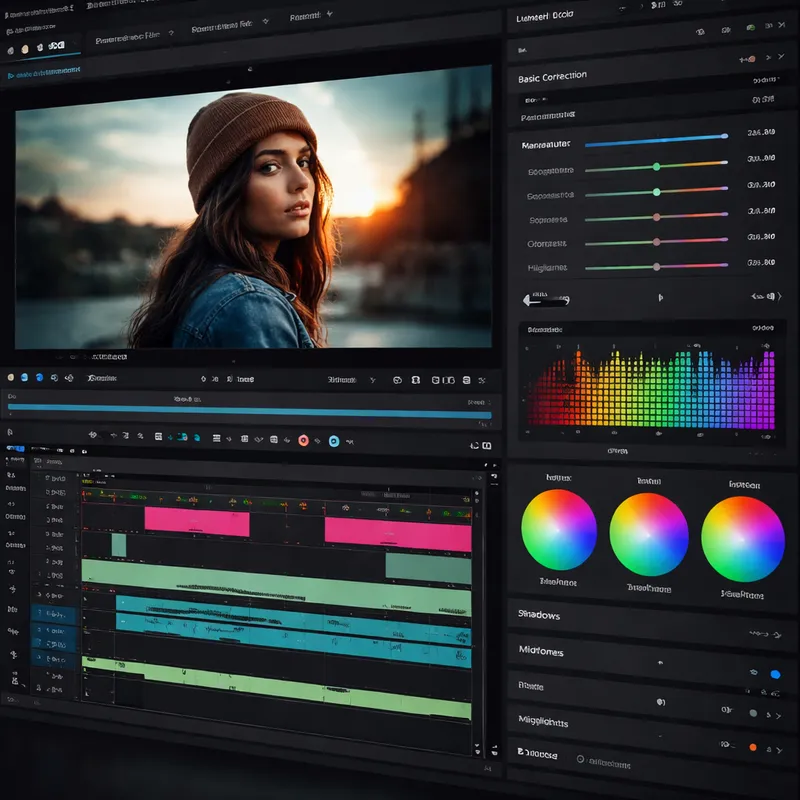
One of the strongest updates in this release is Color Mode in Premiere Pro beta. Adobe says it built this with hundreds of working editors and designed it around how editors actually think and work.
That may sound like marketing, but the core idea makes sense. Many editors want to handle their own grading without shifting into a color workflow that feels built for a separate specialist.
Adobe says Color Mode offers:
- a first-of-its-kind grading experience for editors
- full visibility into how color flows through the project
- controls that keep the video front and center
- a structure that makes grading decisions easier to understand
The public beta is available now for Premiere subscribers, with general availability planned later in 2026.
Why does this matter? Because color work often becomes a friction point. Even a basic adjustment can feel scattered when your project gets complex. If Color Mode really reduces that learning curve, it could save time on both fast-turn edits and longer projects.
Adobe also shipped other Premiere 26.2 improvements, including:
- Film Impact-powered effects and transitions
- Object Masking with Sharp and Smooth edge modes
- a searchable Sequence Index panel
- smarter relinking of offline media through improved path tracking across drives and platforms
That last one is not flashy, but honestly, it may save some of the most annoying minutes in your week.
After Effects gets faster matte and roto work with AI Object Matte
Adobe also updated After Effects 26.2 with an AI-powered Object Matte tool. The goal is pretty direct: faster rotoscoping and better matte creation without the usual pain.
Key features include:
- create mattes with hover and click
- refine selections with Quick Selection brush
- improve difficult edges with Refine Edge
- better handling for hair and fine detail
If you do motion design, compositing, or cleanup work, this is the kind of feature that pays off in boring but valuable ways. It cuts repetitive manual work. That is exactly where AI is most useful in post.
Frame.io Drive may be the most practical update of the bunch
Firefly gets the headline, but Frame.io Drive may be the tool that changes everyday collaboration the fastest.
Adobe introduced Frame.io Drive as a desktop app that mounts Frame.io projects directly to your computer. The idea is simple: your shared project behaves like local storage, so you do not have to wait for full downloads or manual syncing before you start working.
Adobe says Frame.io Drive lets you:
- mount Frame.io projects on desktop
- stream media in real time
- use local caching for performance
- access files in Finder or Explorer like they are local
- work in Premiere, Photoshop, and After Effects from the same shared source
This matters for distributed teams. Editors, designers, and motion designers often waste time passing transfer links, shipping drives, or duplicating media across systems. Frame.io Drive aims to remove that mess.
Adobe also says content stays securely within Frame.io and is never shared with third parties.
Rollout is phased:
- Enterprise access started first on announcement day
- other Frame.io plan users follow shortly after
- a waitlist is available
If you manage remote post teams, this is the feature to watch closely. It pushes Frame.io from review tool to core media layer.

How these Adobe updates fit together in a real workflow
The best way to understand Adobe's 2026 move is to stop looking at each feature by itself.
Here is a practical example of how a small team might use this stack:
- Start in Firefly Boards to explore concepts and generate storyboard ideas.
- Use Firefly Video Editor to create rough sequences with generated clips, uploaded footage, and music.
- Pull Adobe Stock b-roll or sound effects directly into the same workspace.
- Clean dialogue with Enhance Speech and balance the mix.
- Send assets into Premiere for the main edit.
- Use Color Mode to handle look development without leaving the editor mindset.
- Open shared media through Frame.io Drive instead of downloading giant project folders.
- Use After Effects Object Matte for cleanup shots, matte work, or compositing.
- Share versions and reviews through Frame.io.
That is a shorter, cleaner chain than the older generate-export-download-import-repeat cycle.
What this means for creators, agencies, and in-house teams
These updates do not just help one type of user.
For solo creators
You get faster first cuts, easier audio cleanup, and direct access to licensed assets. That is useful when you wear five hats at once.
For agencies
You get better speed from ideation to client review. Frame.io Drive and Firefly's integrated workflow could reduce the overhead around asset wrangling.
For in-house marketing teams
The bigger win is scale. Firefly already supports multiple AI models, Adobe Stock integration, and broader creative app connections. Add the Firefly AI Assistant, and you can see Adobe pushing toward Bulk Create and repeatable content production.
That lines up with the larger Adobe ecosystem story around GenStudio and Firefly Services, where content generation, editing, and assembly become more automated while staying tied to brand controls.
Commercial safety, Content Credentials, and the trust question
Whenever Adobe adds more AI features, the same question comes up: can you safely use the output in real work?
Adobe continues to position first-party Firefly models as commercially safe. The company says the first Firefly model was trained on licensed Adobe Stock imagery and public domain content where copyright has expired. Adobe also highlights Content Credentials, which act like a digital nutrition label showing how content was created or modified, including whether AI was used.
A few useful points to remember:
- Adobe says it does not automatically train on Creative Cloud subscribers' personal content.
- Adobe says it does not train on Adobe Stock editorial content.
- Commercial use is allowed for outputs from non-beta generative AI features.
- Beta outputs can also be used commercially, but indemnification rules may differ.
That last point matters even more now that Firefly includes third-party models. If you care about legal certainty, check which model you are using and what protections apply.
Is Adobe Firefly replacing traditional editing tools?
Not really. It is doing something more interesting.
Adobe is trying to reduce the number of times you have to stop working just to move files, prep media, or switch contexts. Firefly is not replacing Premiere Pro. Frame.io Drive is not replacing storage strategy. The AI Assistant is not replacing editors.
Instead, Adobe is trying to make the whole stack feel more continuous.
That is a smarter goal. Most professionals do not need a magical one-click film generator. They need fewer bottlenecks between idea, cut, review, and delivery.
Where this fits with Adobe Firefly searches and related topics
If you landed here while looking for terms like Adobe Firefly tutorial, Firefly Adobe, Adobe Firefly download, Adobe Firefly - free trial, Adobe Firefly free download, Adobe Firefly Generative Fill Online free, Adobe AI Firefly, or Adobe Firefly for Education, here is the quick context.
Firefly is not just one standalone toy. It is Adobe's family of creative generative AI models and tools, embedded across apps and services. It covers images, video, audio, and vector workflows. You can use Firefly for text-to-video, image-to-video, sound effect generation, and translation workflows, with support for many languages.
Access depends on your Adobe plan, and subscriptions that include Firefly-powered features come with monthly generative credits. Adobe also offers web-based access, app integrations, and growing mobile support.
So if you are evaluating Firefly, the real value is not just whether there is an Adobe Firefly free trial or an Adobe Firefly download option. It is whether the workflow fits how your team actually creates.
Final take: Adobe's next leap is less about AI flash and more about workflow speed
The headline feature may be AI video generation, but the real story is workflow compression.
Adobe is tying together:
- Firefly Video Editor for generate-to-finish creation
- new AI model options like Kling 3.0 and Kling 3.0 Omni
- the Firefly AI Assistant for multi-step automation
- Premiere Color Mode for more practical grading
- After Effects Object Matte for faster roto work
- Frame.io Drive for local-like access to shared media
Put all of that together, and Adobe looks less focused on isolated AI tricks and more focused on helping you move faster through real creative work.
That is why this update matters in 2026. It is not only about making more content. It is about reducing friction in the content you already need to make.
FAQ
What is Adobe Firefly Video Editor?
Adobe Firefly Video Editor is a browser-based, multi-track video editing workflow where you can combine generated clips, music, and your own footage. It supports editing by timeline or by text and now includes audio cleanup tools, Adobe Stock integration, and simple color controls.
What are Adobe's new AI video tools in Firefly?
Adobe's April 2026 Firefly updates include improved audio controls in Firefly Video Editor, direct Adobe Stock access, simple color adjustments, and support for new video models such as Kling 3.0 and Kling 3.0 Omni. Adobe also previewed the coming Firefly AI Assistant for cross-app workflow automation.
What does Frame.io Drive do?
Frame.io Drive is a desktop app that mounts Frame.io projects directly to your computer. It lets you stream media in real time, use local caching for smoother performance, and access shared project files as if they were stored locally.
How does Frame.io Drive speed up creative workflows?
It reduces downloads, syncing delays, shipped drives, and duplicate storage systems. Your team can open shared media faster in apps like Premiere, Photoshop, and After Effects while working from one central project source.
What is Premiere Pro Color Mode?
Color Mode is a new beta feature in Premiere Pro designed specifically for editors. It gives you a more direct grading workflow, clearer visibility into how color moves through the project, and controls built around editing rather than traditional color-only workflows.
Is Firefly AI Assistant available now?
Adobe described the Firefly AI Assistant as coming soon to the Firefly app, with public beta timing expected in the coming weeks from the announcement window. Adobe did not provide a precise final release date in the research provided.
Can Adobe Firefly be used for commercial work?
Adobe says outputs from non-beta Firefly generative AI features can be used commercially. Beta outputs can also be used commercially, but indemnification may not apply unless Adobe states otherwise. Protections can vary when third-party models are involved.
Does Adobe Firefly use your personal Creative Cloud files for training?
Adobe says it does not automatically train on Creative Cloud subscribers' personal content. It also states that it does not train on Adobe Stock editorial content.
Is Adobe Firefly only for video editors?
No. Firefly supports generating and editing images, video, audio, and vectors. It is relevant for video editors, content creators, art directors, marketers, and design teams who need faster ideation and production.
Is Adobe Firefly free to use?
Access depends on your Adobe subscription or Firefly plan. Adobe says Creative Cloud, Adobe Express, Firefly, or Adobe Stock subscriptions include monthly generative credits for Firefly-powered creation features. If you are searching for Adobe Firefly free download or Adobe Firefly - free trial details, check Adobe's current plan page because offer terms can change.
What is the difference between Kling 3.0 and Kling 3.0 Omni in Firefly?
Kling 3.0 is positioned as an all-purpose AI video model focused on smart storyboarding and audio-visual sync. Kling 3.0 Omni adds more professional control, including shot duration, angle, camera movement, and better consistency across shots.
Why is this Adobe update important in 2026?
Because it connects generation, editing, color, collaboration, review, and media access in a tighter loop. Instead of solving one task at a time, Adobe is trying to speed up the full workflow from idea to delivery.

